Basic Features
96 The Phone System Tab
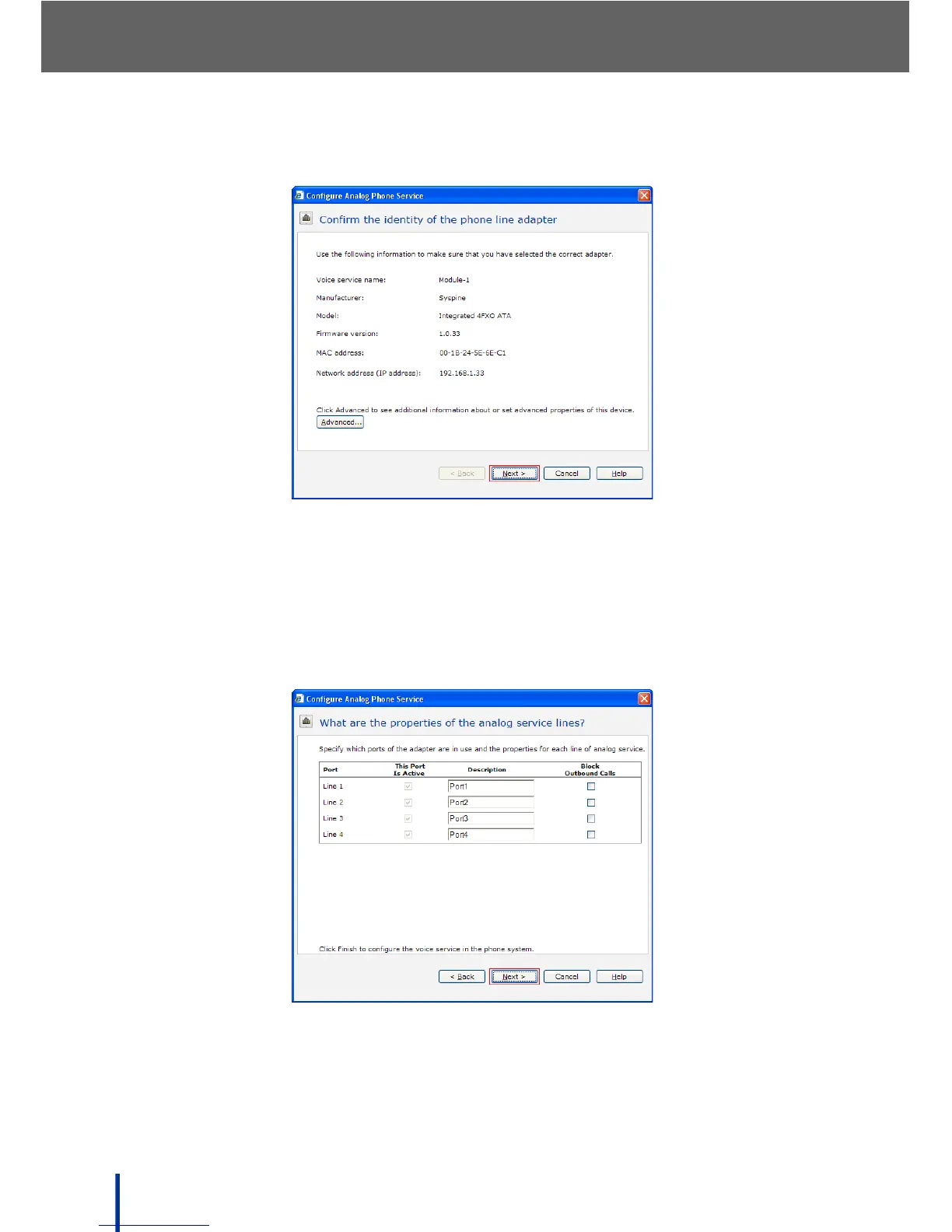
The Confirm the identity of the phone line adapter screen displays.
3. Check the adapter description to ensure the correct information is dis-
played, then click Next.
N
OTE: Click the Advanced button to access the Syspine Module URL. See
Syspine DOS-A50 Module Configuration on page 158 for more details.
The What are the properties of the phone service lines screen displays.
The Block Outbound Calls panel is used to reserve lines for incoming
calls.
4. Check the corresponding box to reserve the line for incoming calls only.



 To Next Page