Basic Features
The Phone System Tab 107
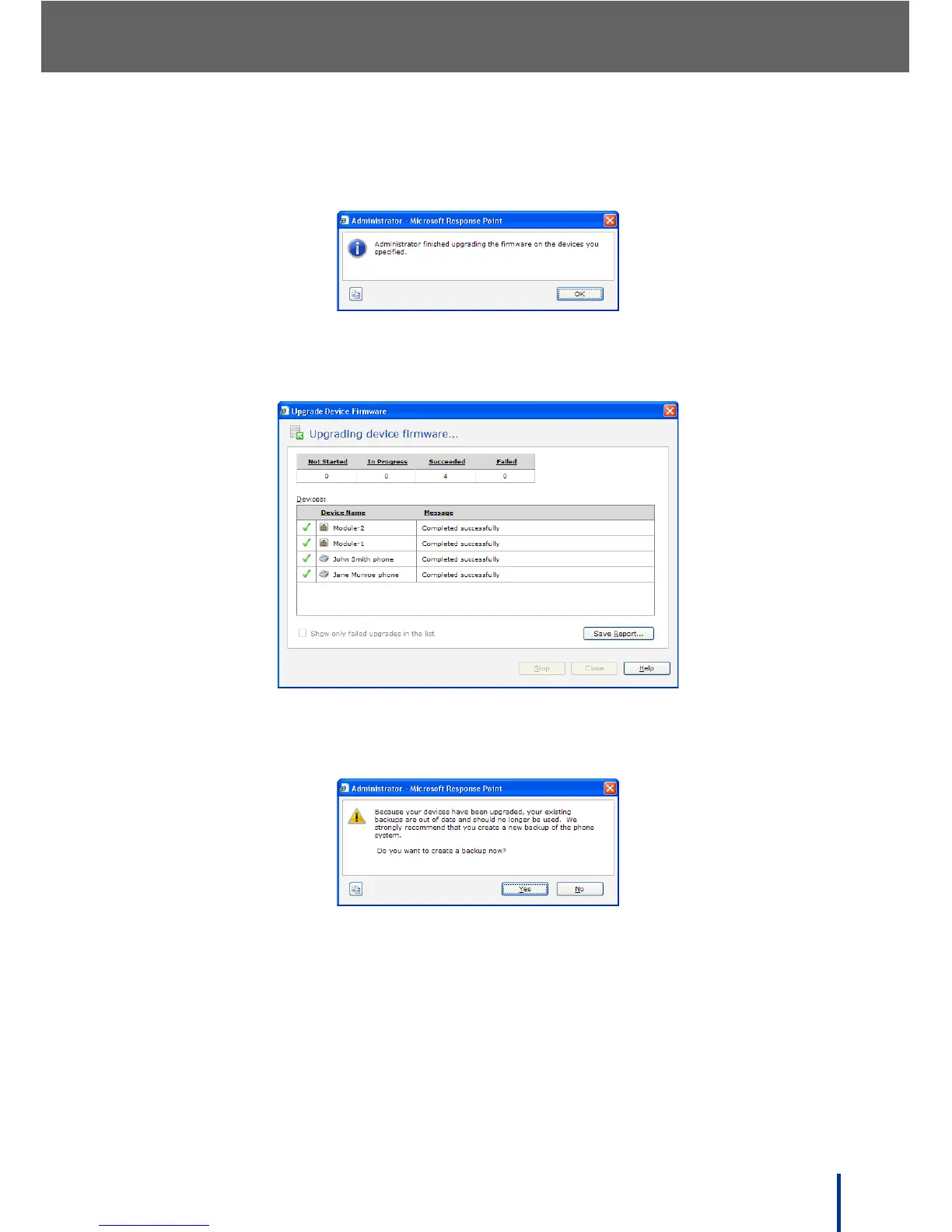
The screen shows the progress of all upgrades dynamically. When the
upgrades are complete, the following message displays.
7. Click OK to re-display the upgrading screen. All the selected devices show
a green check when the upgrades have completed successfully.
N
OTE: After upgrading modules, DOS-A50 displays a prompt to create a new
system backup.
Click Yes to perform a backup now, or click No to backup the system later.



 To Next Page