Basic Features
104 The Phone System Tab
3.10.4.2 UPGRADING DEVICE FIRMWARE
From time-to-time, new firmware becomes available to correct reported bugs or
enhance functionality. These firmware files can be downloaded from
www.syspine.com and placed on the administrator’s PC ready for application to
the base unit.
To upgrade a DOS-A50 module, perform the following steps:
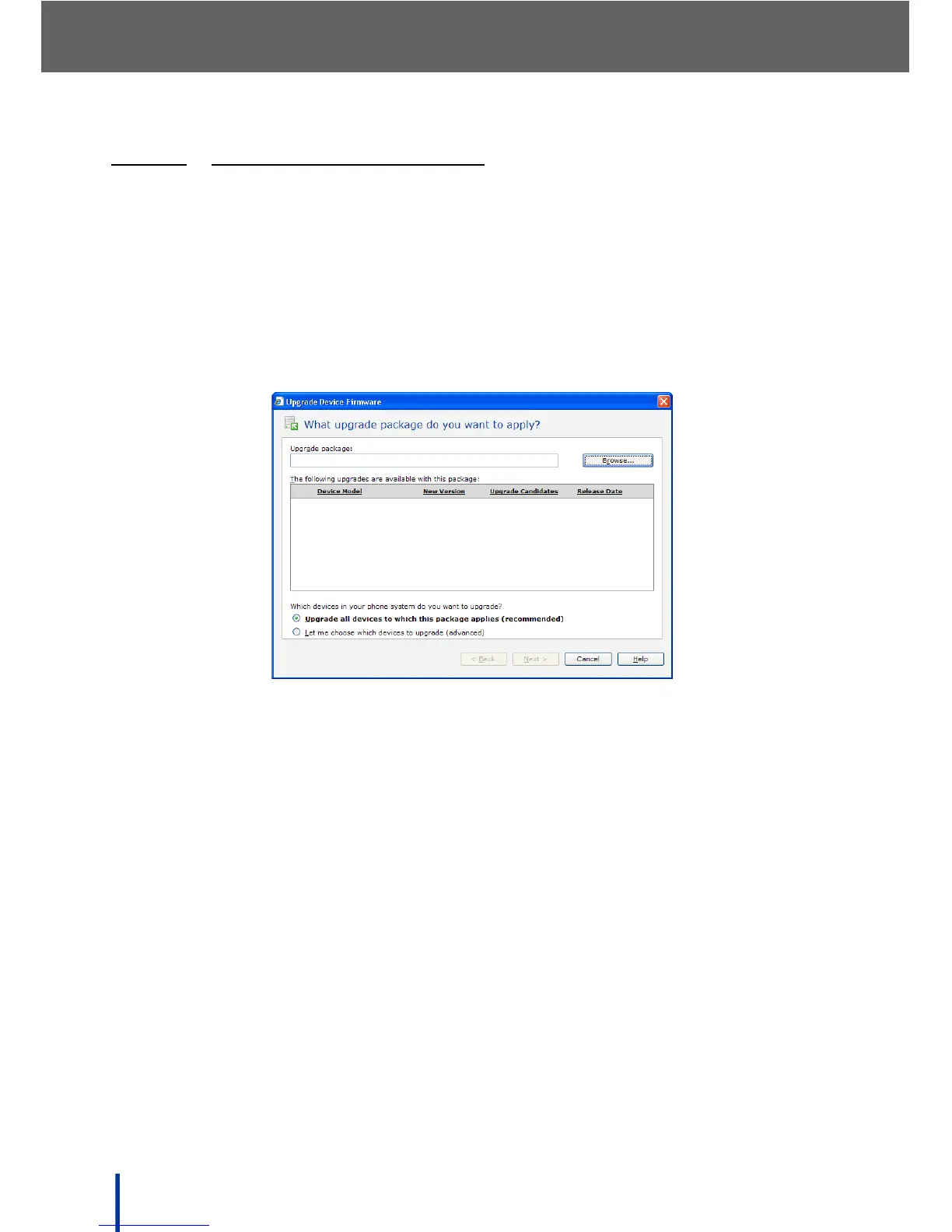
1. Click Upgrade Device Firmware.
2. The What upgrade package do you want to apply screen displays.
3. Click Browse to locate the desired upgrade package.
N
OTE: Response Point Upgrade files always have the file extension .rpu.



 To Next Page