Basic Features
126 The Call Routing Tab
NOTE: Audio quality is important for the recording. The Automated Receptionist
may be the first experience a customer has of a company. See Tips for
Recording Greetings and Prompts on page 127.
9. Click OK.
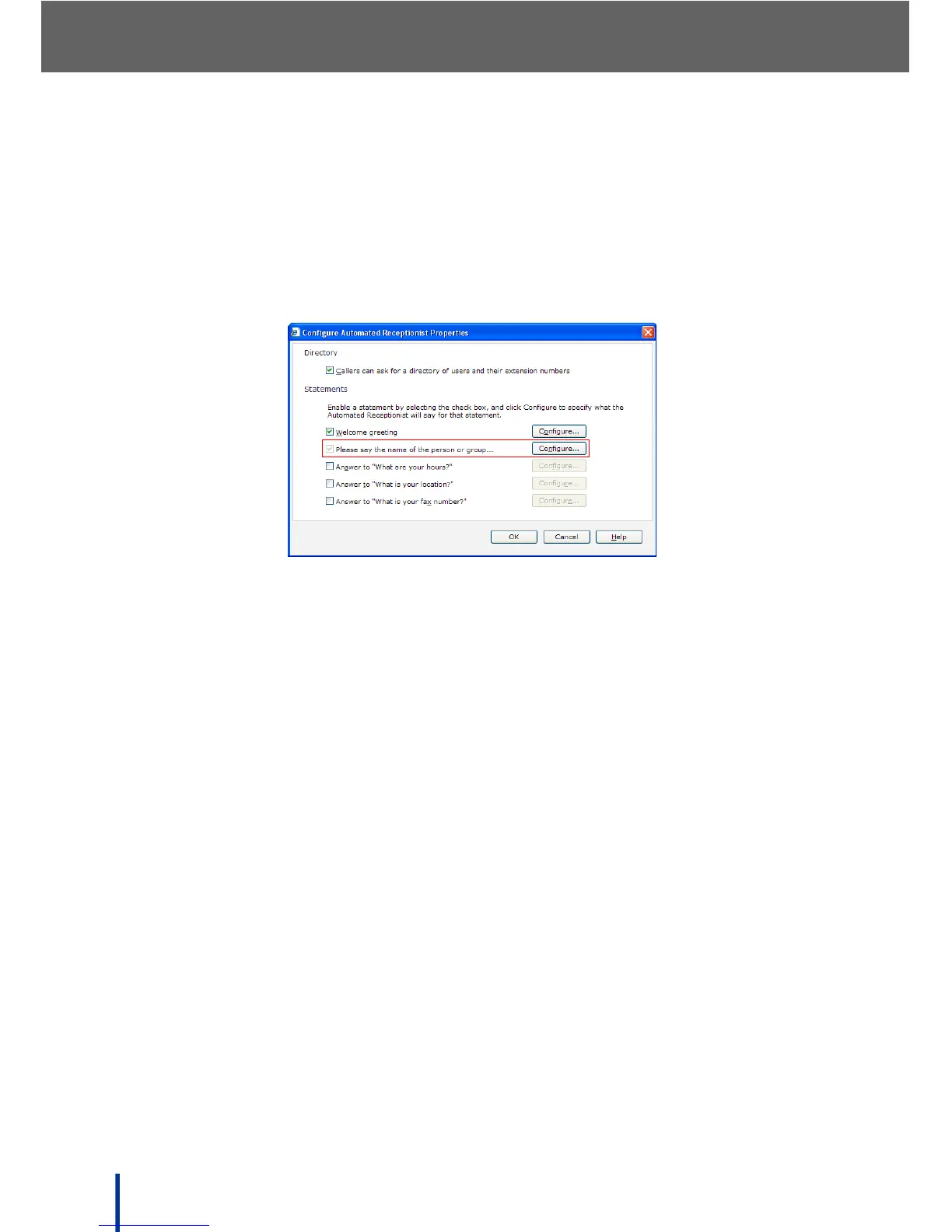
10. The Configure Automated Receptionist Properties screen is re-dis-
played.
The Please say the name of the person or group check box is disabled.
IMPORTANT!
It is recommended that no changes are made to this setting as the pre-
recorded message is most easily recognized by the system. If the prompt is custom-
ized, the following phrase MUST be used so that Automated Receptionist can under-
stand caller responses and route calls correctly:
Please say the name of the person or group you would like to talk to.
11. Select the What are your hours?, What is your location?, and What is
your fax number? boxes and click Configure to enter appropriate
responses.
N
OTE: There are no system defaults for these responses.
12. When finished, click OK to save the Automated Receptionist settings.
N
OTE: It is recommended that a test call is placed to check the content of the
new greeting and opening prompt before making them available to cus-
tomers.



 To Next Page