Basic Features
146 Microsoft Response Point Assistant Features
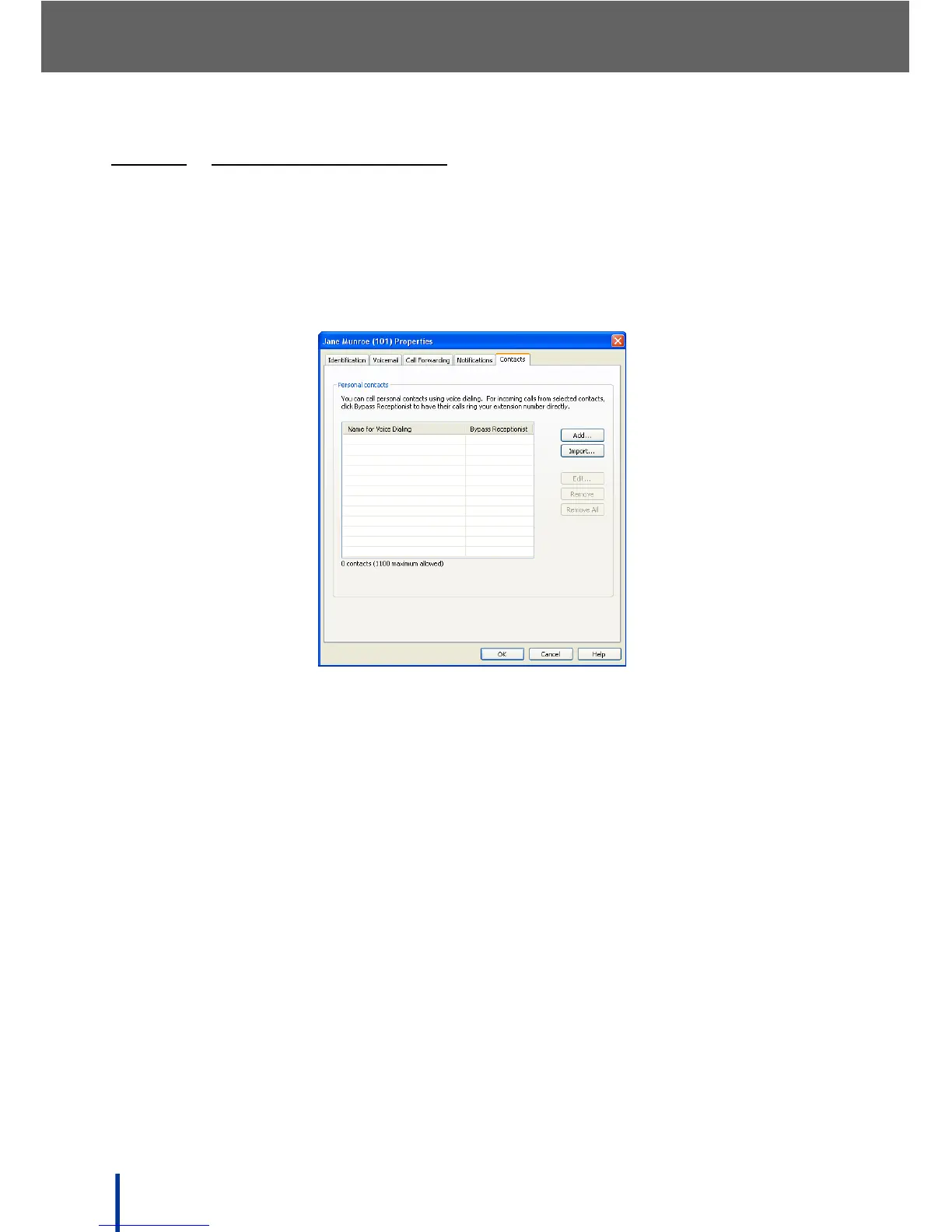
3.13.3.5 USING THE CONTACTS TAB
The Contacts screen is used to manually add or import user personal contacts
for voice dialing and Bypass Receptionist.
N
OTE: This service is only available if the administrator has enabled the Bypass
Receptionist option (see Using the Bypass Receptionist Feature on
page 132).
Add, Import, Edit, or Remove up to 1100 contacts. Import contacts from
address books such as Outlook, Windows Address Book (for Microsoft
®
Win-
dows
®
XP), or Windows Contacts (for Microsoft
®
Windows Vista
®
).



 To Next Page