Basic Features
Microsoft Response Point Assistant Features 147
Adding Contacts Manually
To add a contact manually, perform the following steps:
1. Click Add.
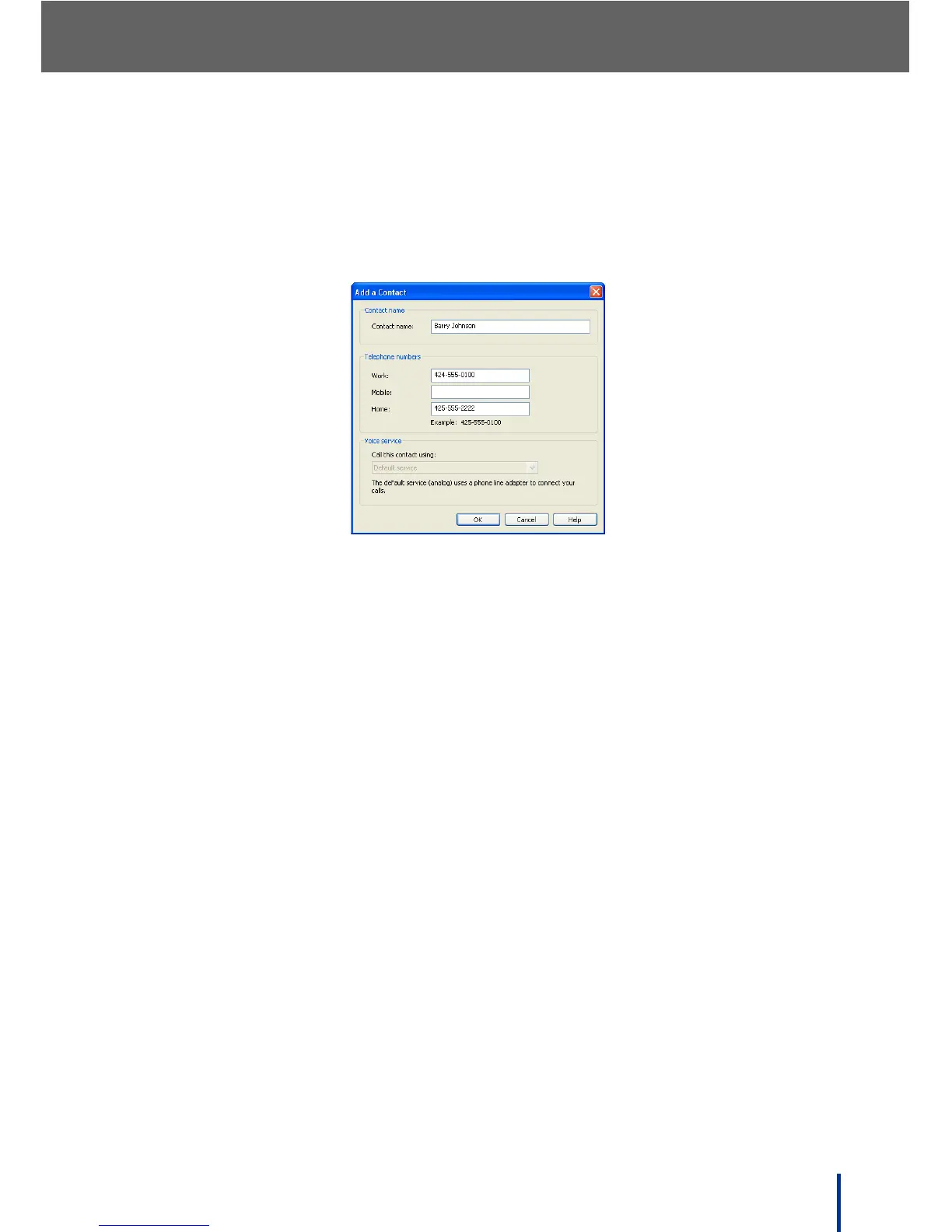
The Add a Contact screen displays.
2. Enter the contact name and telephone number(s).
3. Select the default Voice Service to call this contact.
N
OTE: If no VoIP Voice Service is connected, the Voice service drop down
menu is grayed out.
4. Click OK to save the entry to the contact list.



 To Next Page