Basic Features
148 Microsoft Response Point Assistant Features
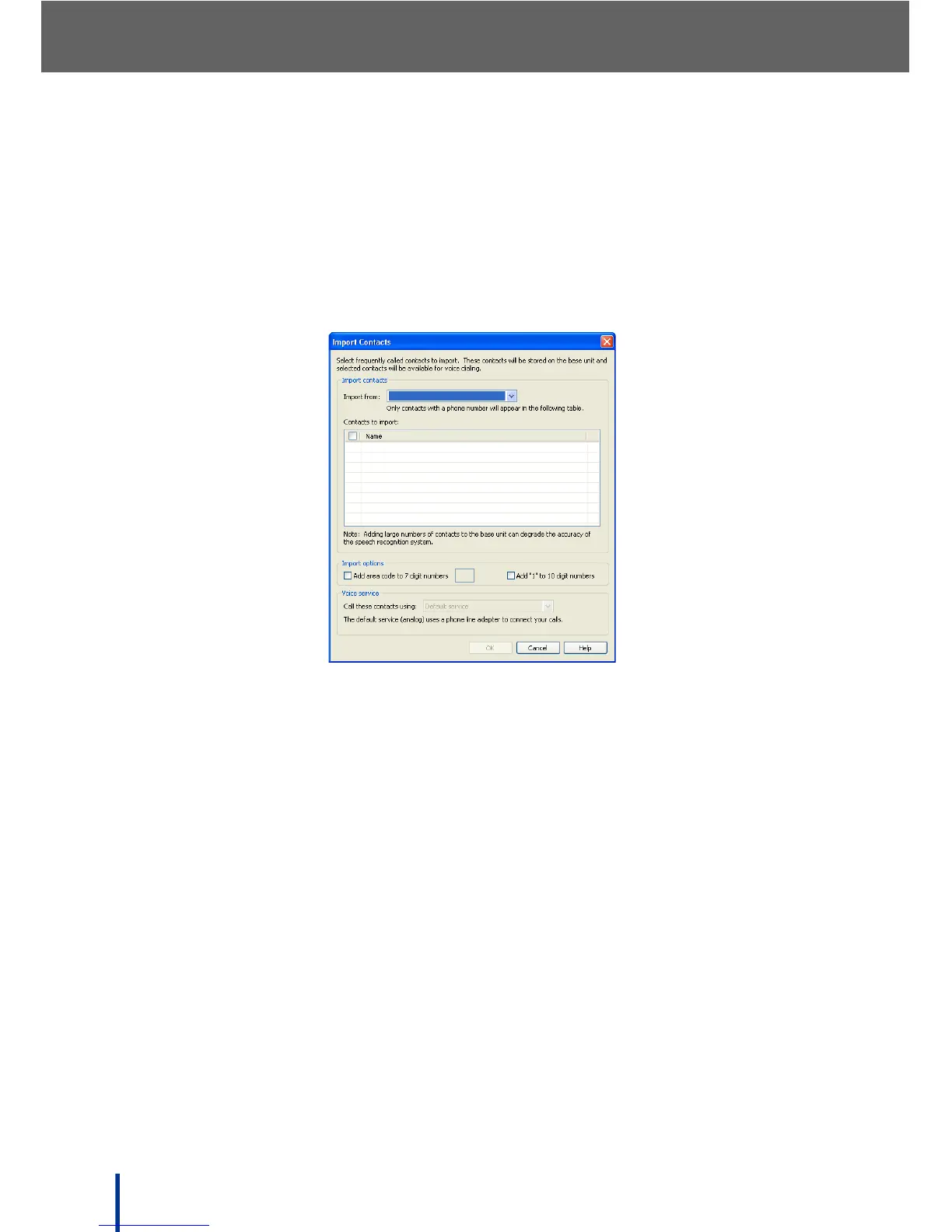
Importing Contacts Automatically
To import contacts from address books such as Outlook, Windows Address
Book (for Microsoft Windows XP), or Windows Contacts (for Microsoft Windows
Vista), perform the following steps:
1. Click Import.
The Import Contacts screen displays.
2. Select where to import from using the drop-down menu.
Users can import from Outlook and Windows Address Book for Windows
XP or Windows Contacts for Windows Vista.
N
OTE: If Outlook is selected, but is not installed or contains no contact informa-
tion, an error message displays. Take any corrective action indicated in
the message and retry the operation.



 To Next Page