Basic Features
Microsoft Response Point Assistant Features 149
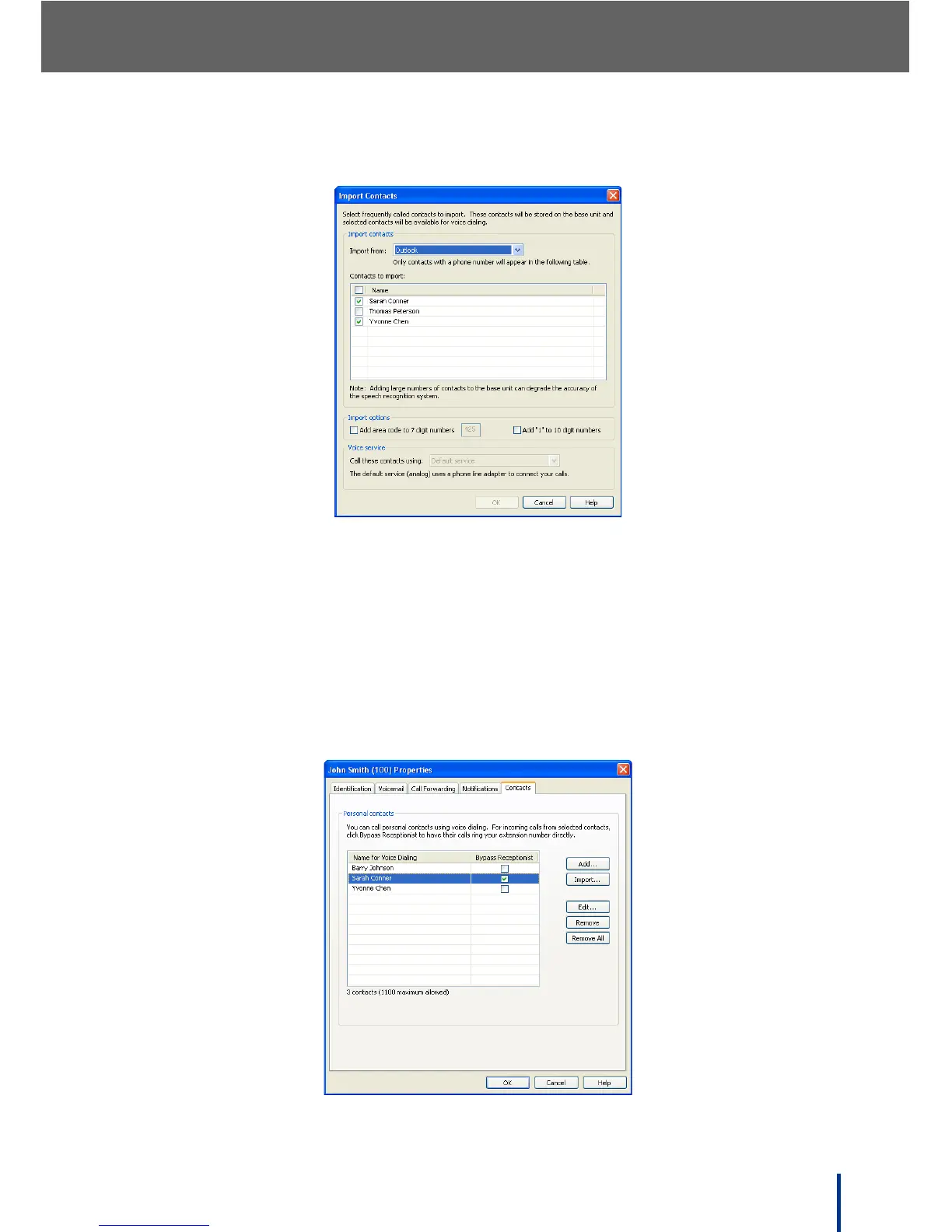
The available contacts display in the Import Contacts screen.
3. Select the required contacts or check the box in the Name bar to select (or
deselect) all entries.
N
OTE: Only add frequently used contacts. Adding large numbers of contacts to
the DOS-A50 can degrade the accuracy of the speech recognition sys-
tem and takes up memory space.
4. Click OK.
The Contacts screen redisplays.



 To Next Page