Basic Features
150 Microsoft Response Point Assistant Features
5. Check the Bypass Receptionist box for each contact as required.
6. Use the buttons on the right-hand side of the screen to manage the con-
tacts list:
• Click Edit to display the edit screen. Make any changes required and click
OK.
• Click Remove to delete the selected contact.
• Click Remove All to delete all contacts.
7. Click OK to save the contacts information.
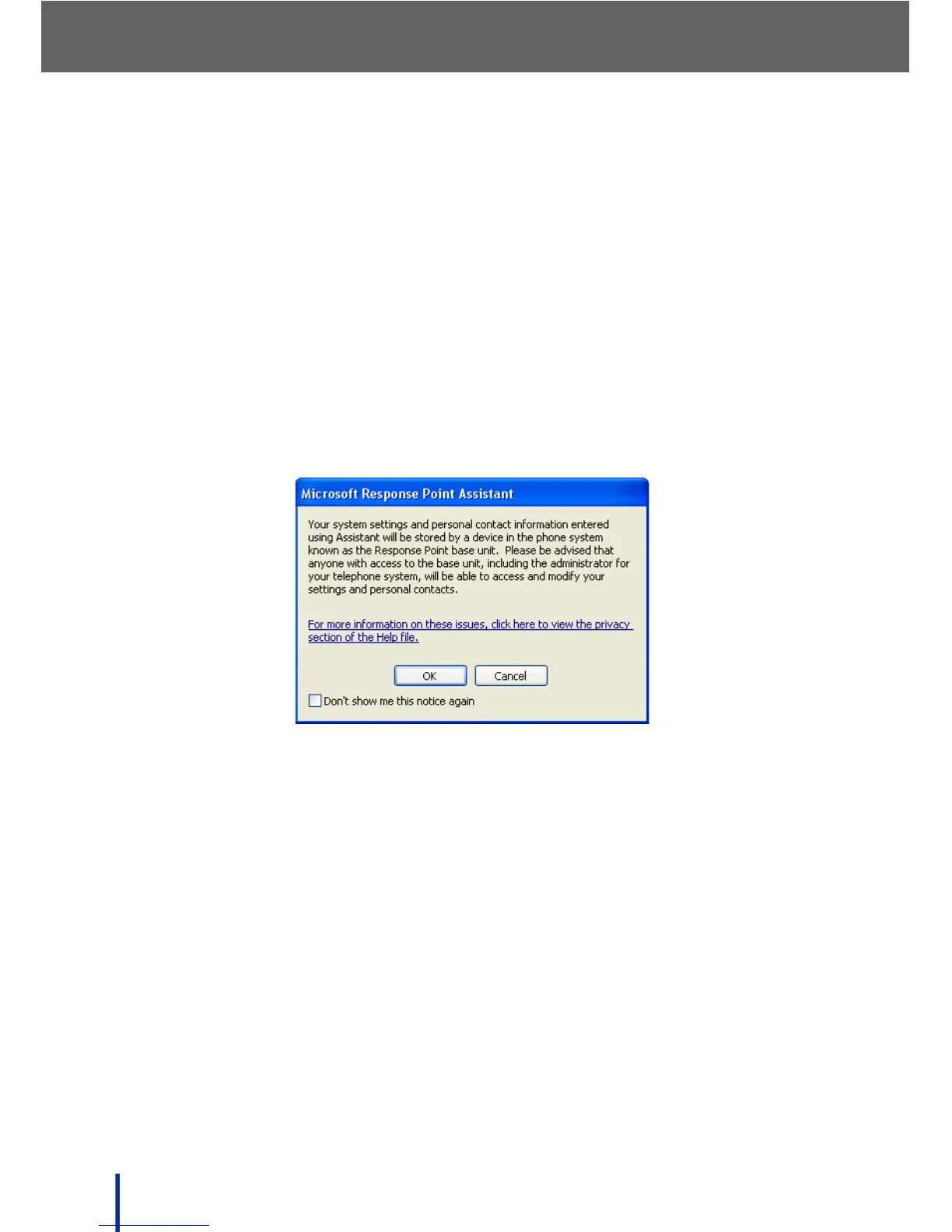
IMPORTANT!
Information imported to Assistant is available to anyone with access to
the base unit, including anyone with administrator privileges.
A privacy warning screen displays.
8. Click OK to save the contact list.



 To Next Page