Basic Features
Microsoft Response Point Assistant Features 151
3.13.3.6 USING THE PHONE SETTINGS WEB PAGE
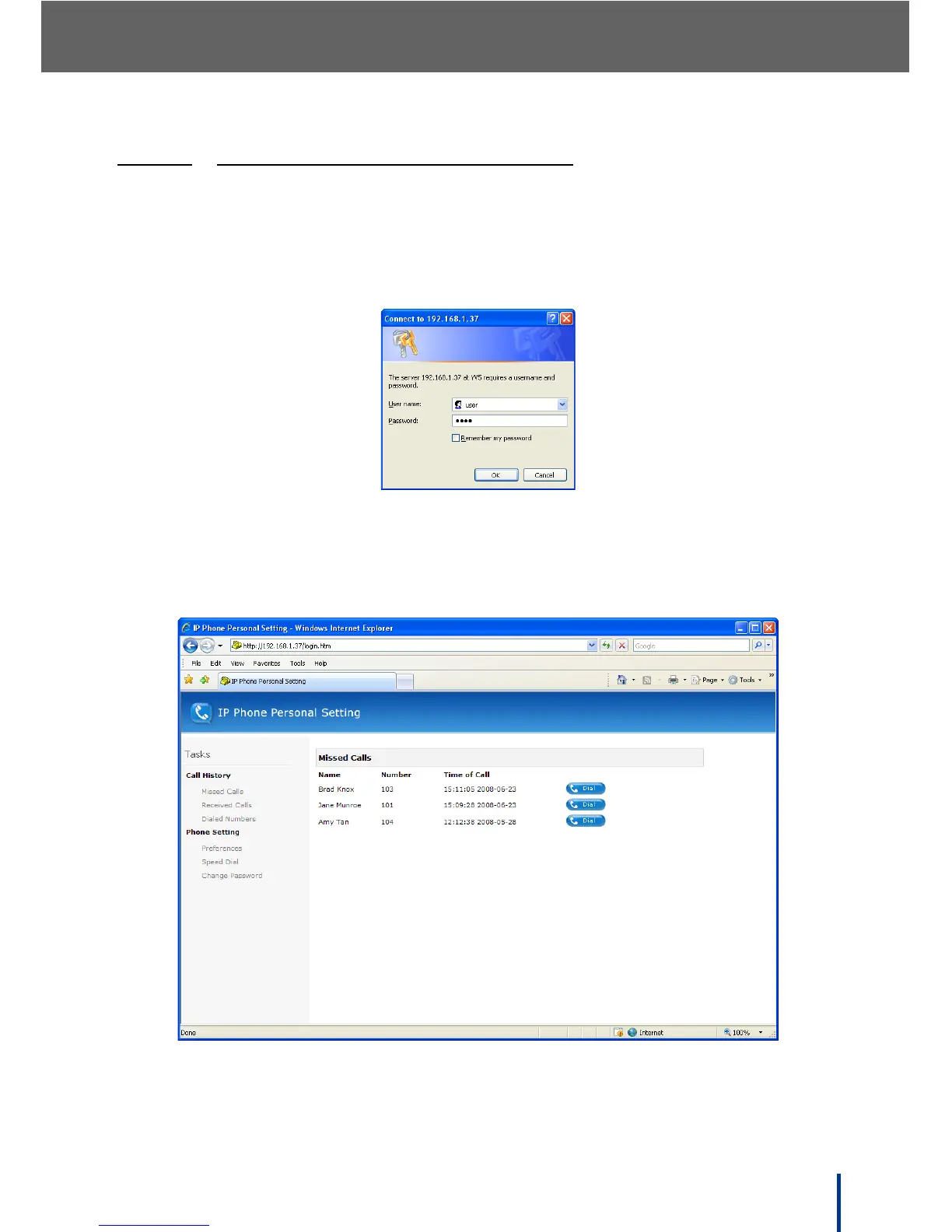
The Phone Settings web page is used to review user call history, set phone
preferences, and enter speed dial numbers.
1. From Assistant, select Settings´ Phone Settings.
The username and password screen displays.
2. Enter the default username user and password 9999.
3. Click OK.
The main IP Phone Personal Setting screen displays.



 To Next Page