Basic Features
154 Microsoft Response Point Assistant Features
• Add speed dial numbers—enter the item (0 to 49) the contact name, and
the number to dial and click Add. The number is added to the speed dial
list.
N
OTE: If the speed dial entry already exists, clicking Add overwrites the old
number with the current entry.
Click Dial on the desired entry or dial the item number on the IP Phone
keypad.
• Edit speed dial numbers—click Edit to display the Edit Speed Dial screen.
make the desired changes and click OK.
• Remove speed dial numbers—click Remove on the desired entry.
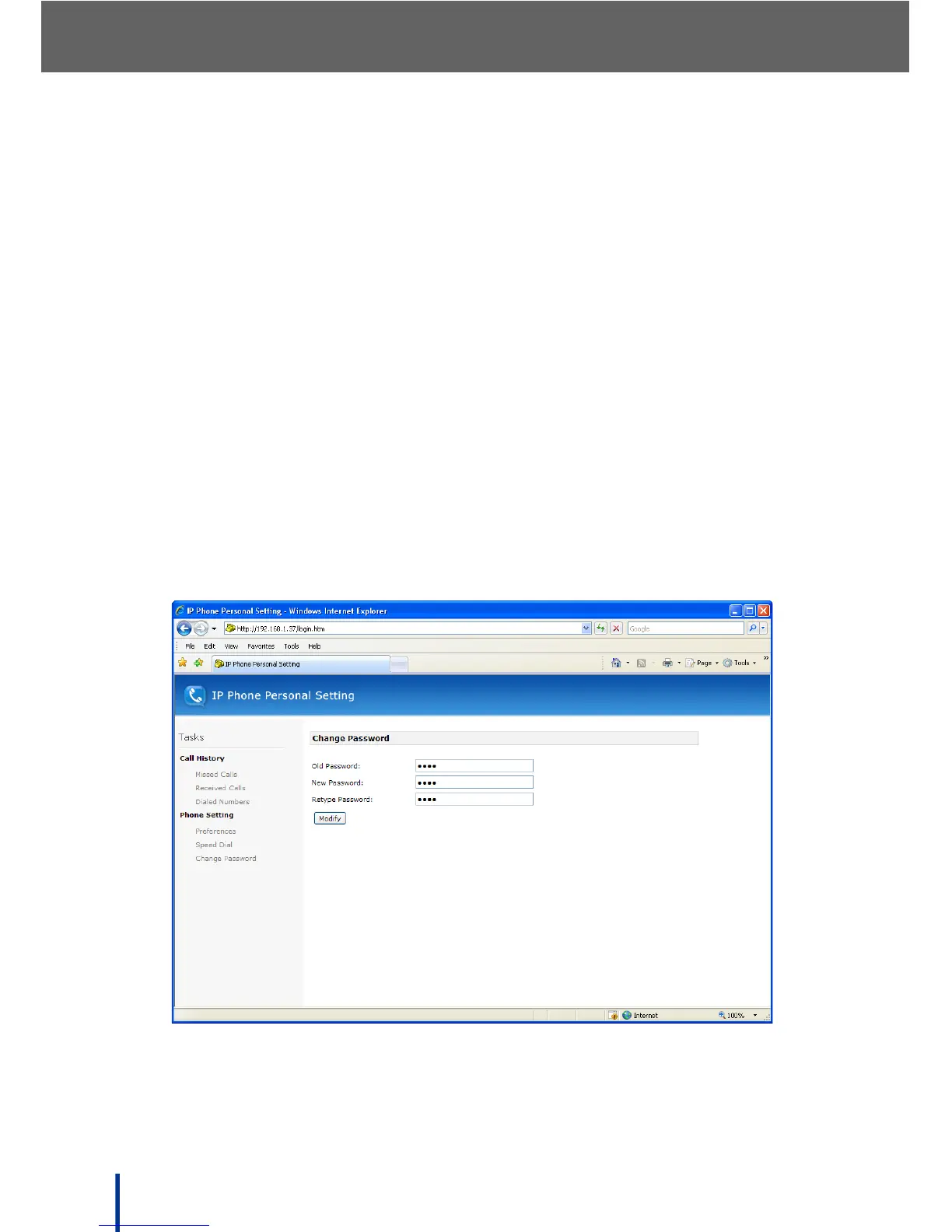
Change Password
To change the user password, perform the following steps.
N
OTE: This password protects user preferences and is not the same as the
Assistant password.
1. Click Change Password to modify the user logon name.
2. Enter the previous password, 9999 by default, and a new password.
3. Confirm the new password and click Modify to update the password.



 To Next Page