Installation
Configuring the IP Phone 310s 41
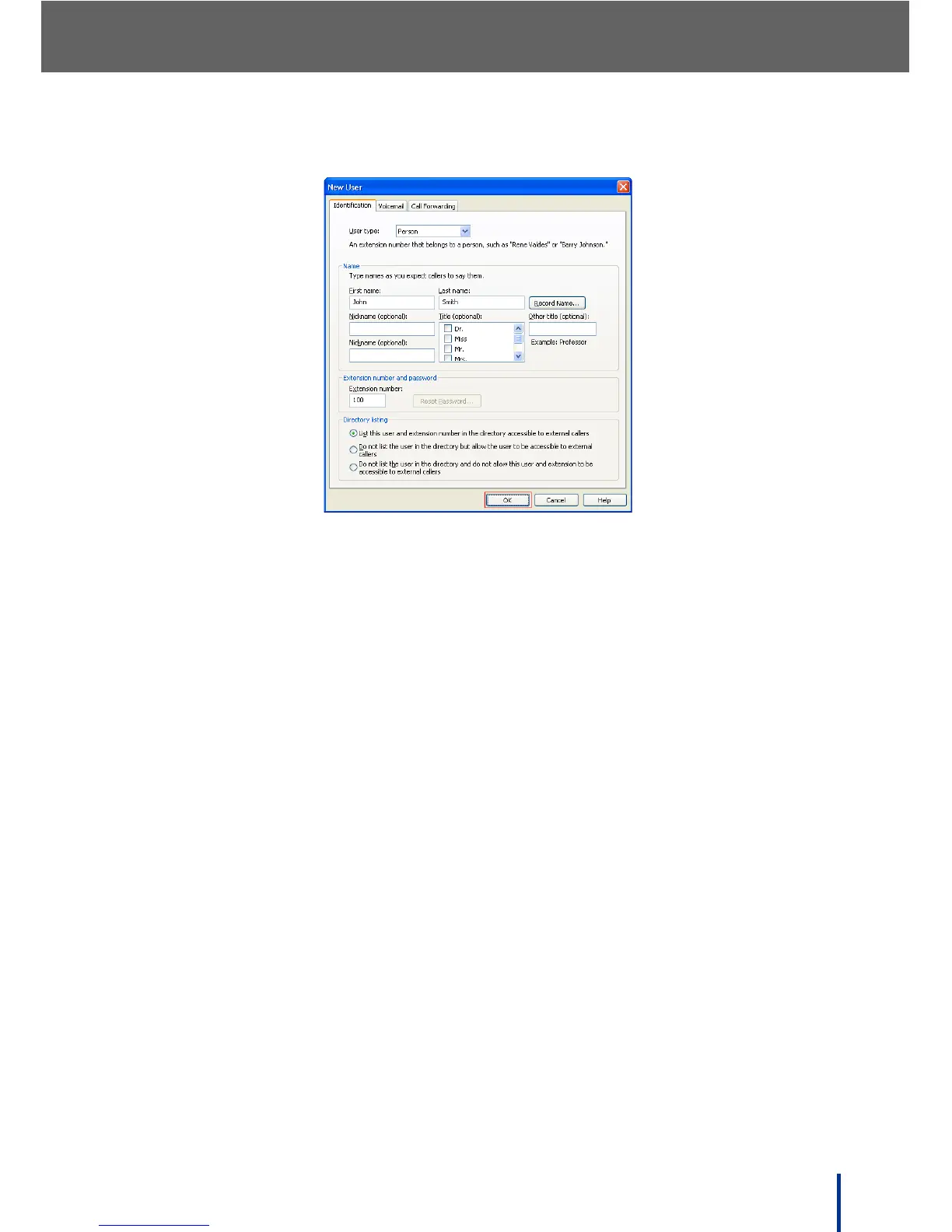
The New User screen displays. The default tab is the Identification tab.
8. From the User type drop down menu, select Person if it is not already
selected.
9. Fill in the Name fields. Ensure information easily identifies the user.
N
OTE: Enter the user information as a caller would say it.
10. Change the Extension number and password field if desired. The exten-
sion range available is 100 through 799.
11. Select the desired Directory listing option from the list.
12. Click OK.



 To Next Page