Installation
42 Configuring the IP Phone 310s
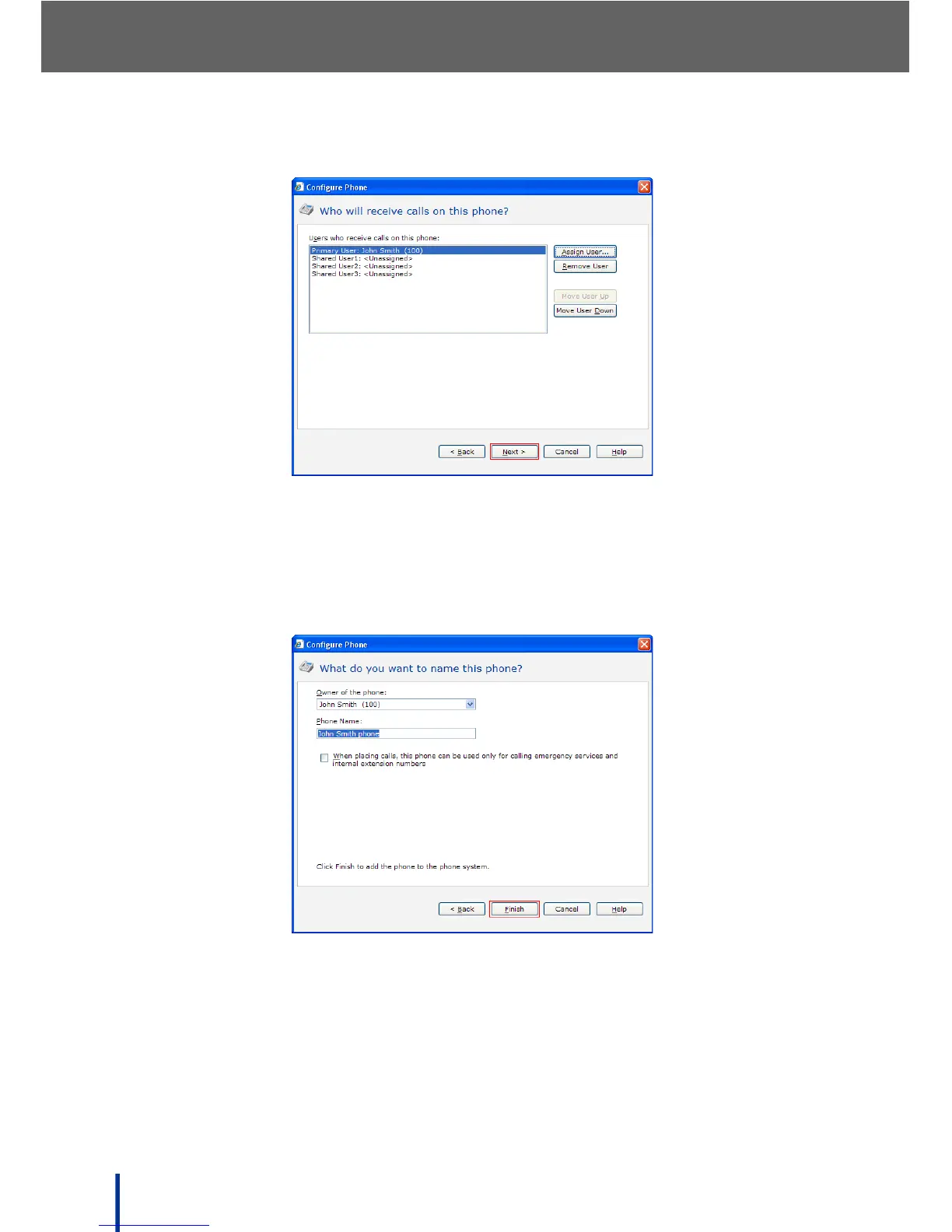
The Who will receive calls on this phone screen re-displays.
Notice that the new user is assigned to the Primary User with the specified
extension number. See Using the Phones Menu on page 71 for more infor-
mation.
13. Click Next.
The What do you want to name this phone screen displays.
The Owner of the phone and Phone Name fields are automatically
inserted.
14. Check When placing calls... to restrict the phone to calling emergency
services and internal extension numbers only,
OR
Use the default setting to allow outgoing calls to all numbers.



 To Next Page