Basic Features
76 The Phone System Tab
3.10.1.2 EDITING PHONE DESCRIPTIONS
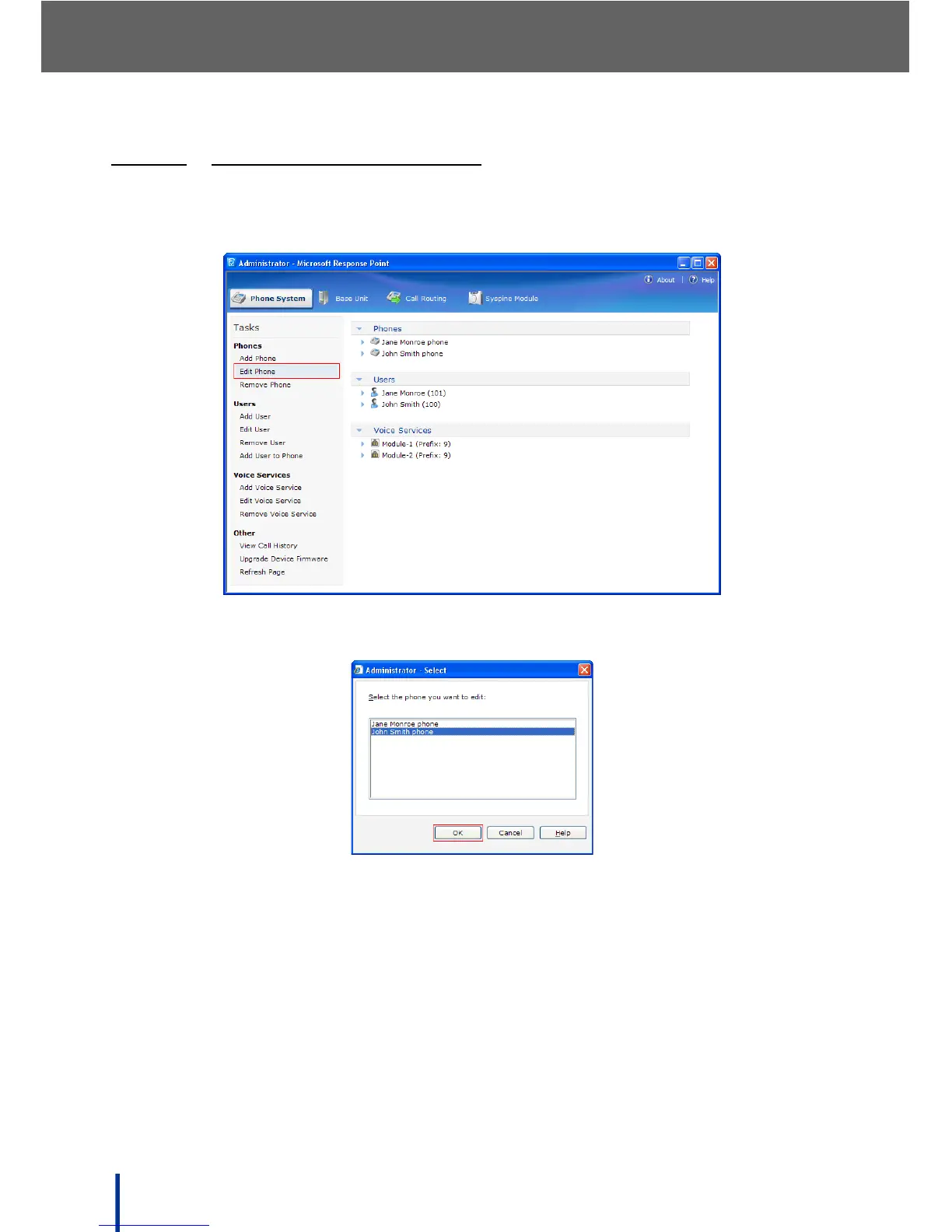
To edit an existing phone, perform the following steps:
1. In Phone System´ Phones, click Edit Phone.
The Select the phone you want to edit screen displays.
2. Select the required phone and click OK.



 To Next Page