Basic Features
The Phone System Tab 77
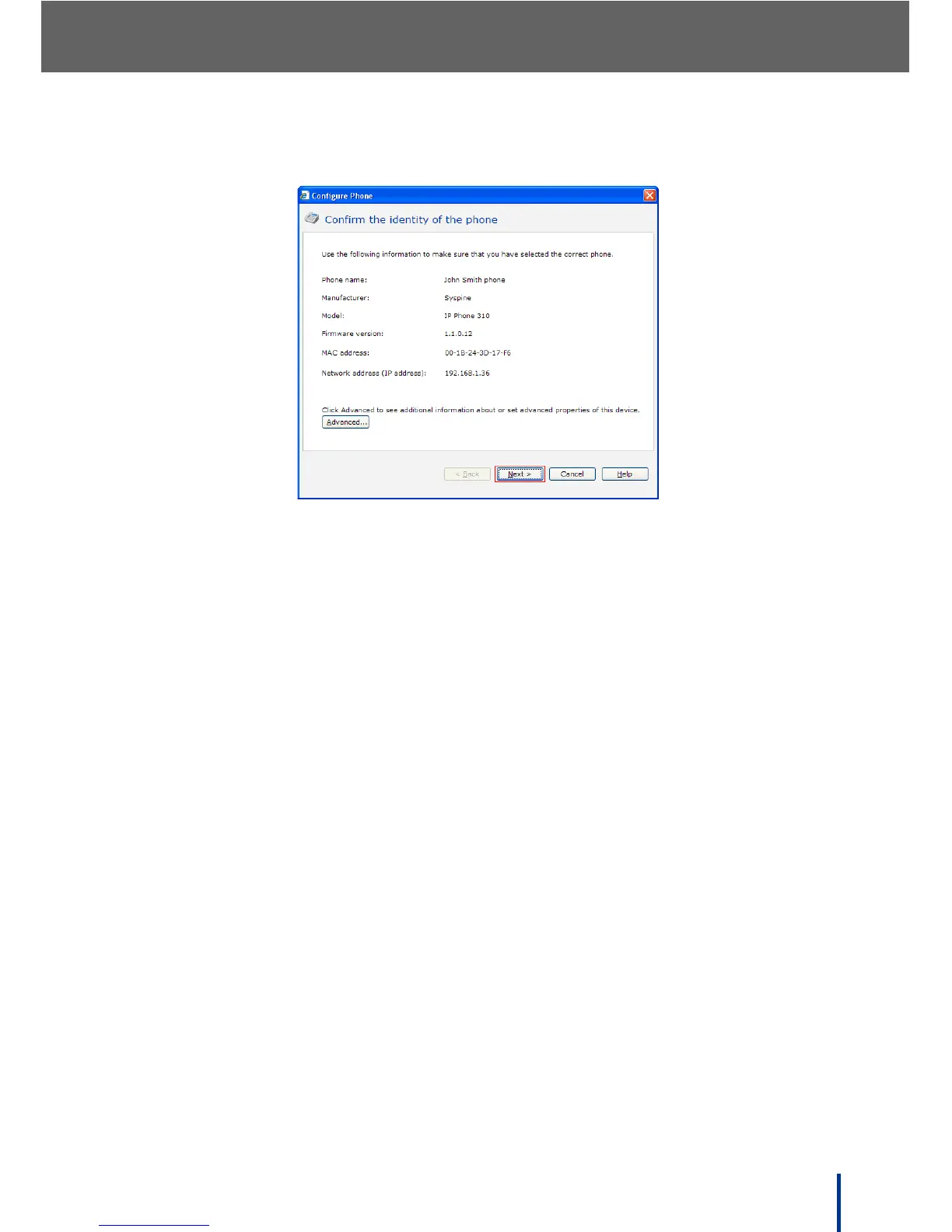
The Confirm the identity of the phone screen displays.
3. Check the information displayed to confirm the identity of the selected
phone, then click Next to continue.
N
OTE: The Advanced button at the bottom left-hand side of the screen is used
for IP Phone troubleshooting and requires a user id and password to
access. See the Service Manual for more information.
4. Make any required changes and click Finish to confirm the changes.



 To Next Page