Basic Features
82 The Phone System Tab
• Use audio recorded on a phone—record a custom message using the IP
Phone handset or headset. Click Record New and follow the onscreen
prompts.
• Use a prerecorded sound file uploaded to the base unit—click Choose
New File... and follow the onscreen prompts to upload a prerecorded WAV
file.
IMPORTANT!
The file format uploaded must be 8kHz, 16bit, mono WAV. All other file
types are not supported.
NOTE: See Tips for Recording Greetings and Prompts on page 127 for more
information on recording automated responses.
5. Change the Extension number and password field if desired. The exten-
sion range available is 100 through 799.
6. Select the desired Directory listing option from the list.
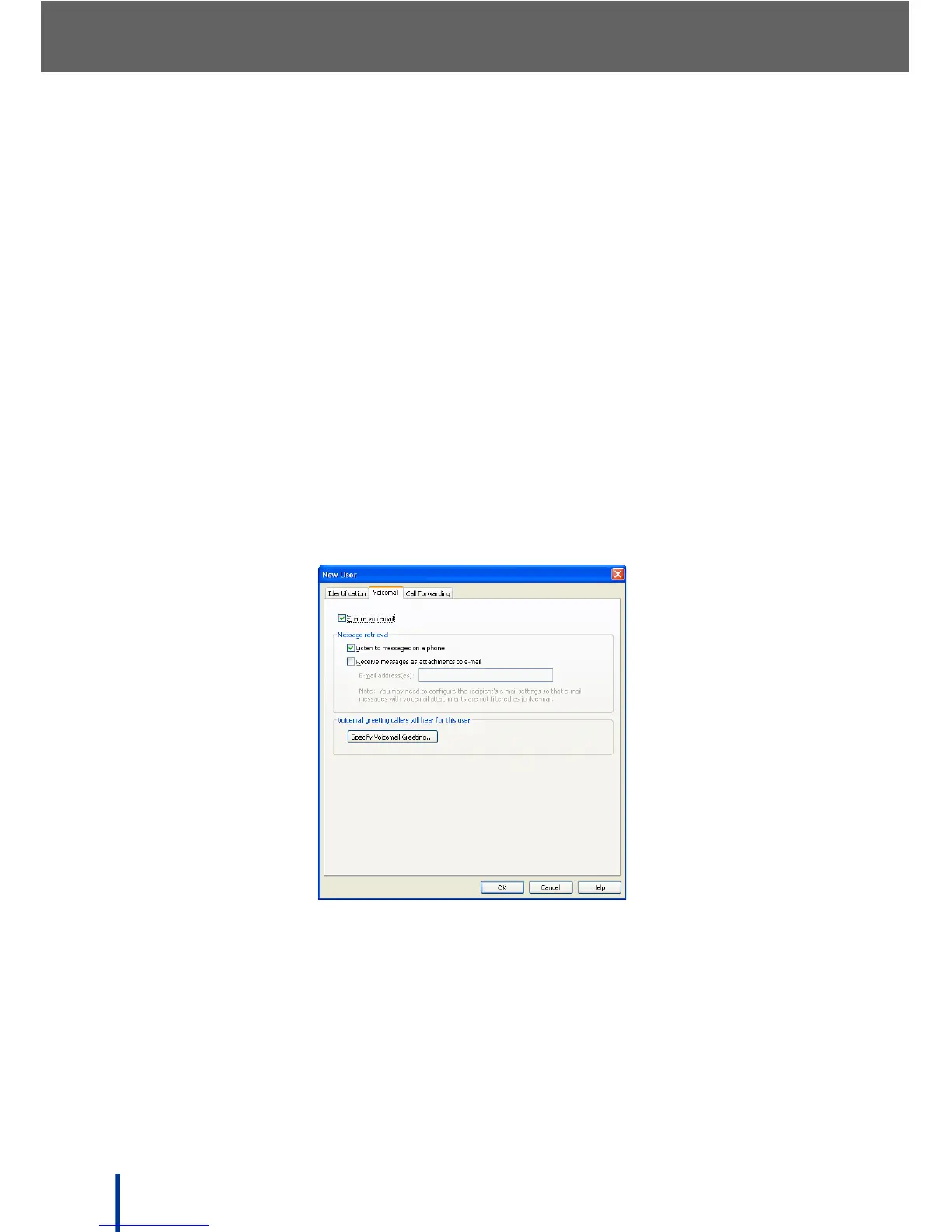
7. Click the Voicemail tab to display following screen.
8. Enable or disable voicemail and Specify Voicemail Greeting if required.



 To Next Page