76
3
Basic Printer Operation
3.4
Canceling Printing
This section explains how to cancel printing.
3.4.1 Canceling Printing From the Computer
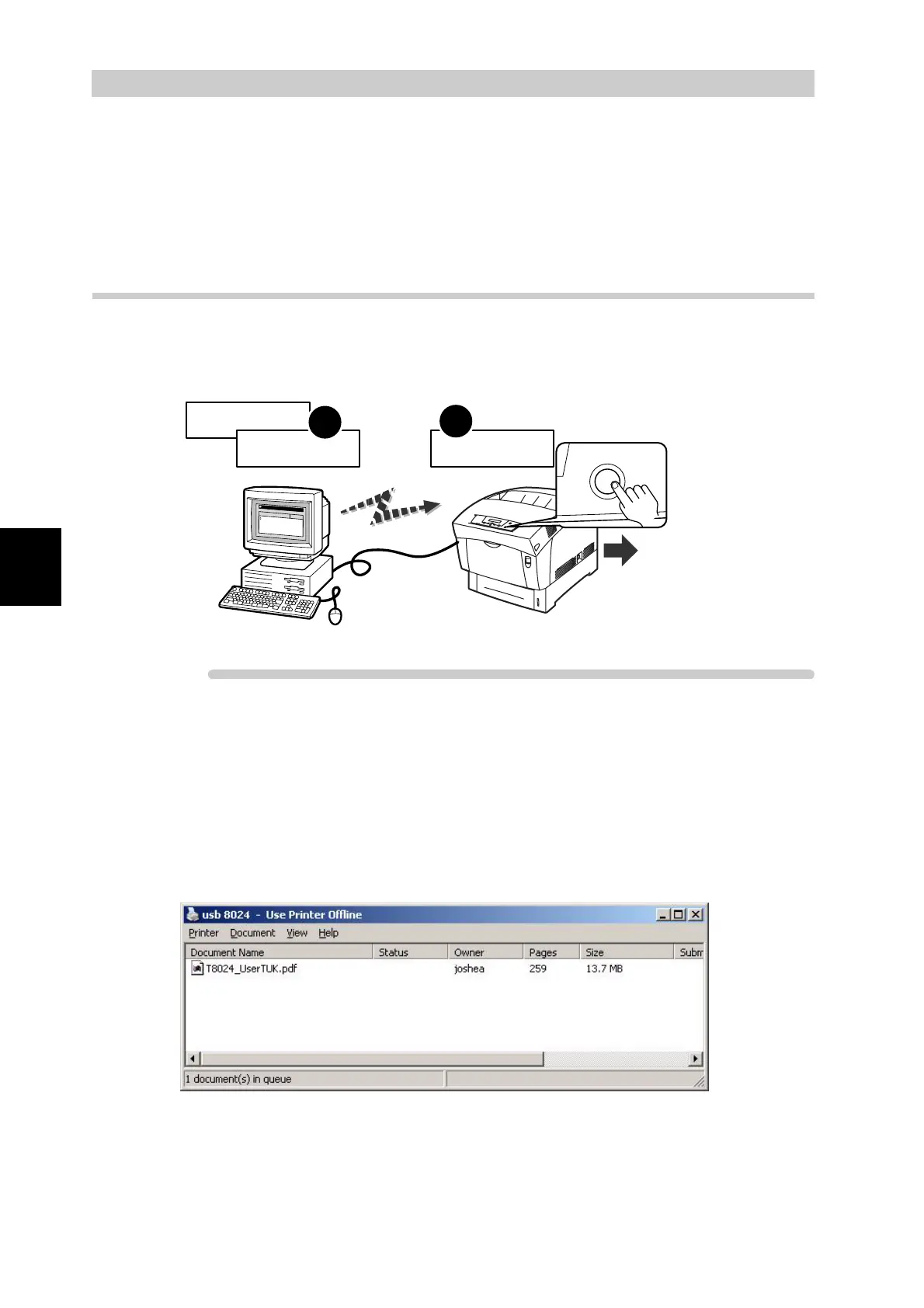
To cancel printing in Windows, first cancel the print job on the computer, then
cancel printing on the printer's control panel.
Procedure
1
Click Start, select Settings and then Printers.
The Printers window is displayed.
2
Double-click the appropriate printer.
The printer window is displayed.
3
Click the document that you want to cancel and press the Delete key on
the keyboard.
Continue to "3.4.2 Canceling Printing at the Control Panel".
Back
FX DocuPrint C1618 PCL6
M
icro
so
ft W
o
rd
-
D
ocum
e
nt N
am
e
S
tatus
P
rin
ter(P
) D
o
cu
m
e
n
t(D
) V
iew
(V
) H
e
lp(H
)
1
2
Print command
Cancel printing
Cancel printing
Cancelled
Cancel



 To Next Page