110
5
Control Panel
5.1
Control Panel Part Names
and Functions
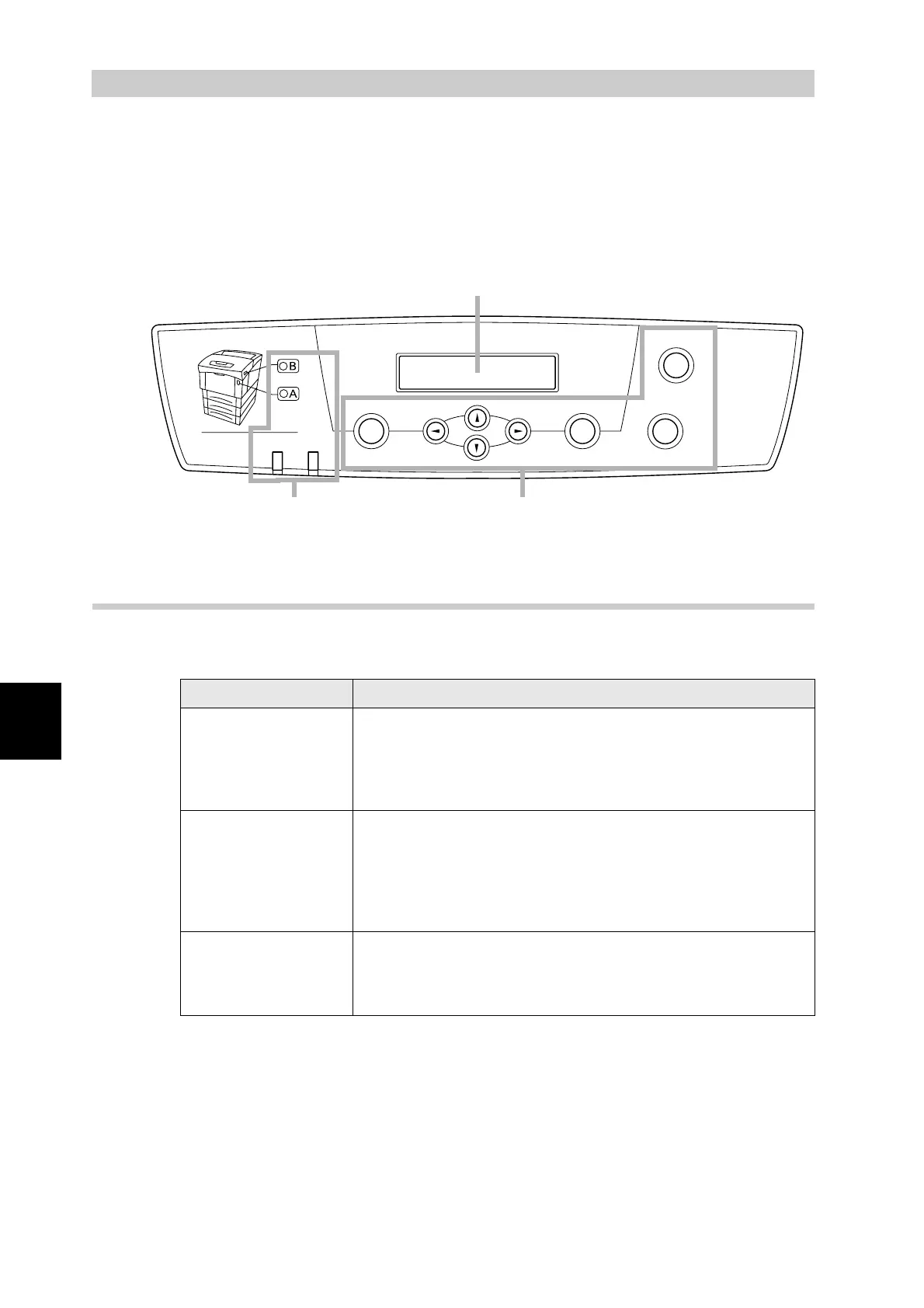
The control panel consists of indicators, a display, and buttons. This section describes the
names and functions of the control panel's parts.
5.1.1 LED Indicators
The LED indicators are on, blinking, or off to indicate the status of the printer.
Name Explanation
Ready indicator Green: Indicates the printing status.
On: Printing is possible. Also, this lights when the printer is
not receiving print data while processing the print job.
Blinking: The printer is receiving print data.
Off: Printing is not possible.
Error indicator Red: Indicates an error.
On: Indicates a paper jam or other problem that the user
can rectify.
Blinking: There is a problem that the user cannot rectify.
Contact your Tally service or dealer.
Off: The printer is functioning normally.
A indicator
B indicator
Indicates what buttons to press to open the front door to clear
paper jams.
On: Press the button indicated and open the front door.
Off: The printer is functioning normally.
Menu
Ready
Eject
Set
Cancel
Back
Error
Front Door Release Button
Power saver
Display
ButtonsIndicators



 To Next Page