3.6 Printing on Envelopes, Transparencies, and Custom-size (Long) Paper
82
3
Basic Printer Operation
3.6.2 Printing on Transparencies
Use the multi purpose tray to print transparencies.
You can print in color on transparencies using the T8024.
Use only the recommended types of transparencies. Do not use any other types, such as
color transparencies (bordered with a white frame).
Using unsuitable transparencies may damage the printer.
Do not use transparencies bordered with a white frame.
Remove each transparency from the face down tray as soon as it is output. When
transparencies are allowed to accumulate in the face down tray, static electricity can build up
and cause jams.
Follow the procedure below to print transparencies.
Procedure
1
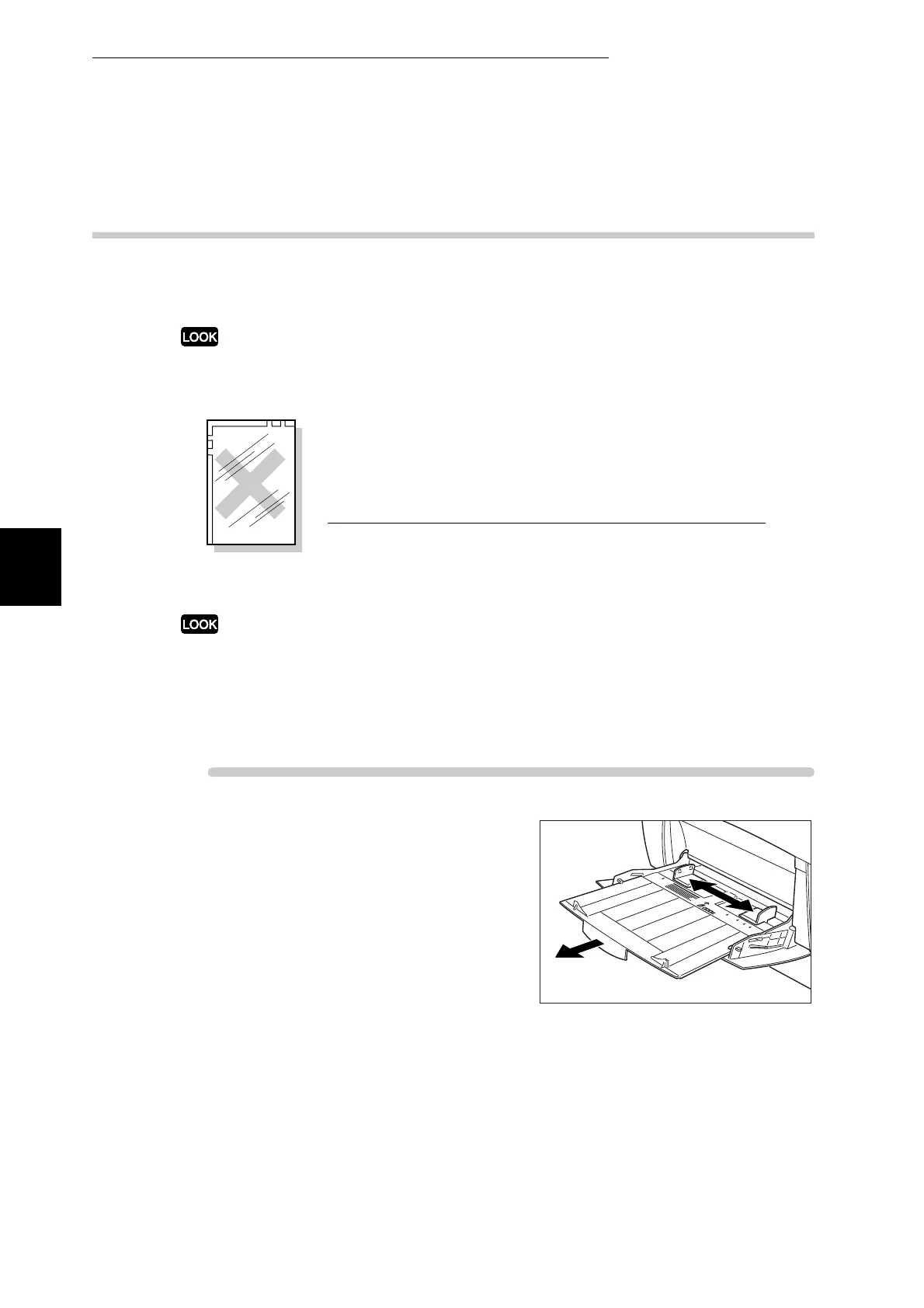
Adjust the paper guide to the mark
corresponding to the size that you are
about to use.
Full color
transparencies



 To Next Page