3.6 Printing on Envelopes, Transparencies, and Custom-size (Long) Paper
83
3
Basic Printer Operation
2
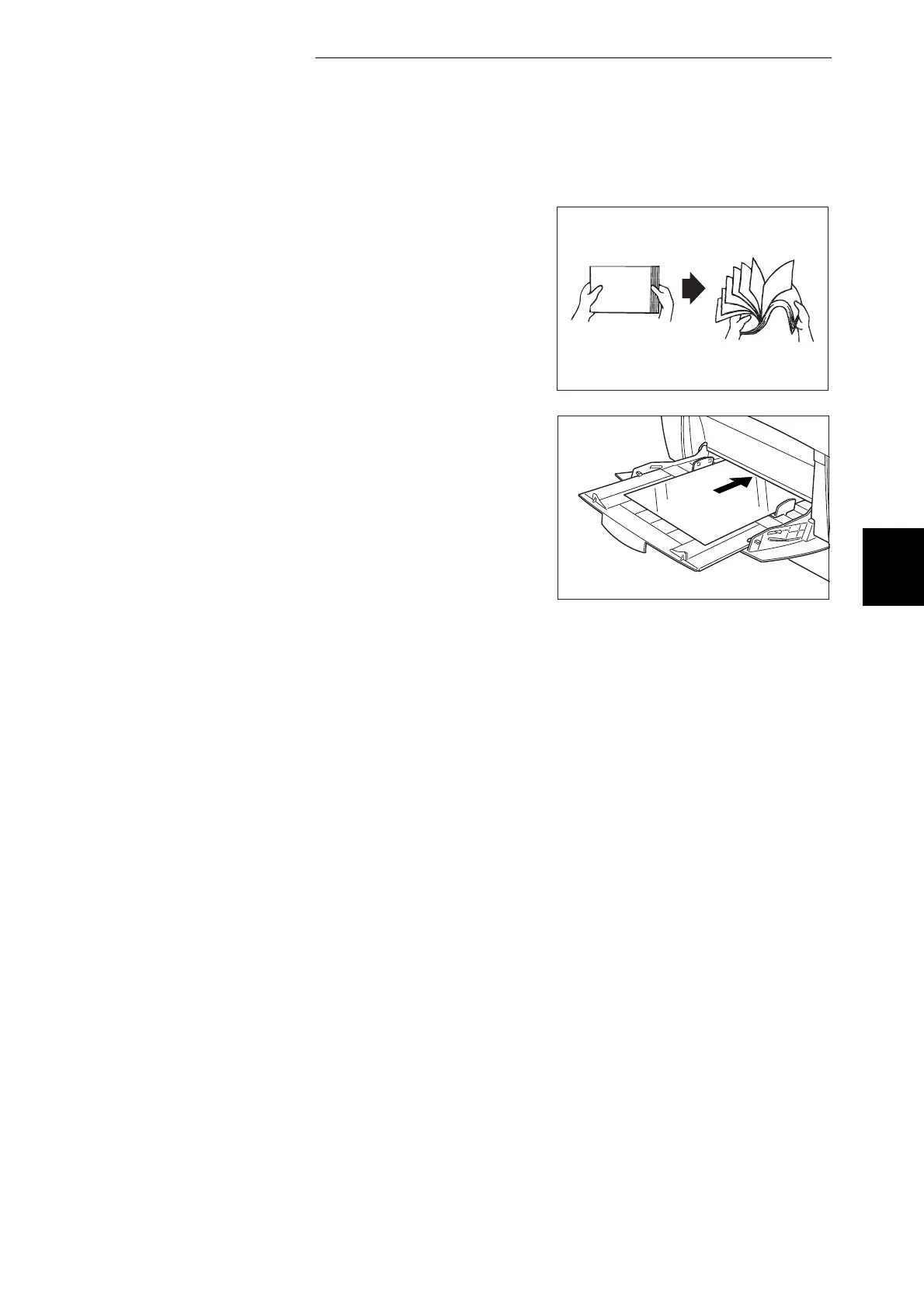
Fan a few transparencies at a time.
3
Insert the transparencies into the multi
purpose tray until they lightly touch the
feeding slot.
4
Launch printing from your program
after loading the transparencies in the
printer.
Now set the items for "Printer Driver
Settings (for transparencies)" as shown
below:
Transparency



 To Next Page