Installing the Printer Driver
51
2
2.5
Setting Up the USB Port
When connecting the printer to your computer with a USB cable, do the following
procedures after installing the printer driver.
For Windows 2000 or Windows XP
The following example is for Windows XP.
Procedure
1
Check that the computer is on, and then switch off the printer.
2
Connect the USB cable.
3
Switch on the printer.
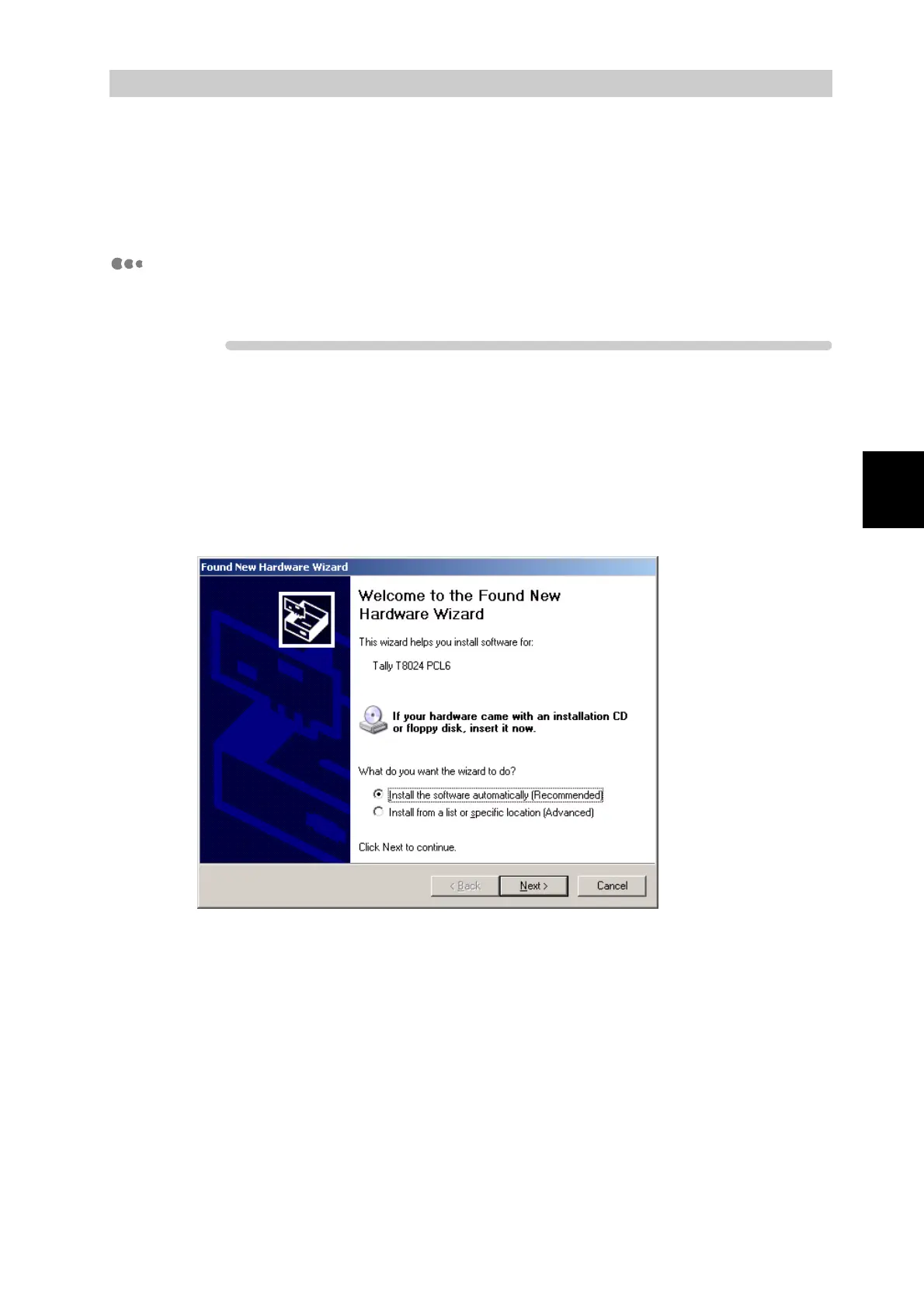
The computer automatically detects the new hardware. The computer will display the found
new hardware screen.



 To Next Page