2.5 Setting Up the USB Port
52
Installing the Printer Driver
2
4
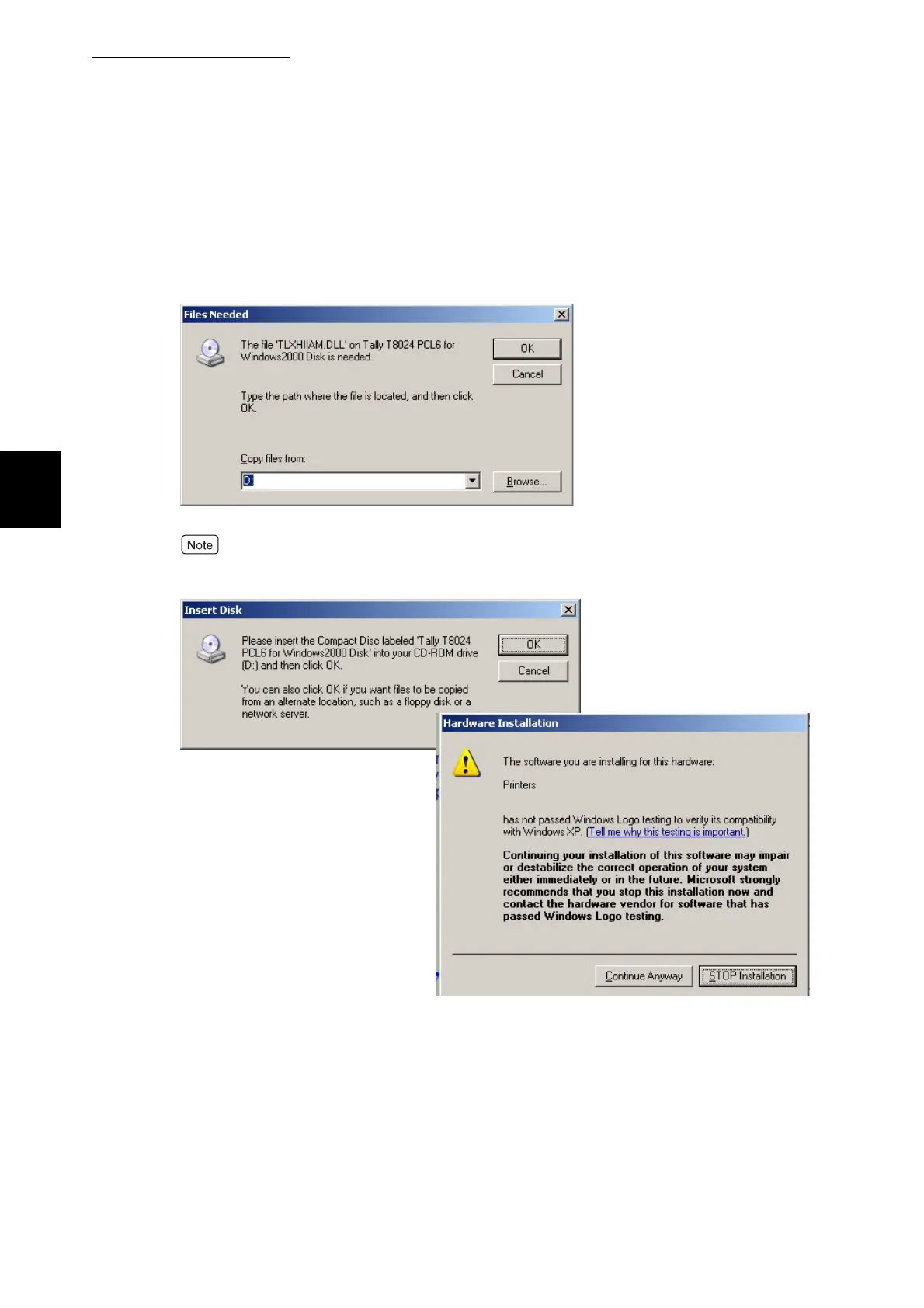
If the files needed screen comes up browse to the following directories
on the cd. For windows 2000 drivers\pcl\ec\win2000. For windows XP
drivers\pcl\ec\winXP. Change ec to us if letter size paper is used more
frequently than A4.
Earley versions of the drivers will come up with the windows logo testing screen. Press the
Continue anyway key.



 To Next Page