160
6
Troubleshooting
6.8
The Error Indicator is On or
Blinking
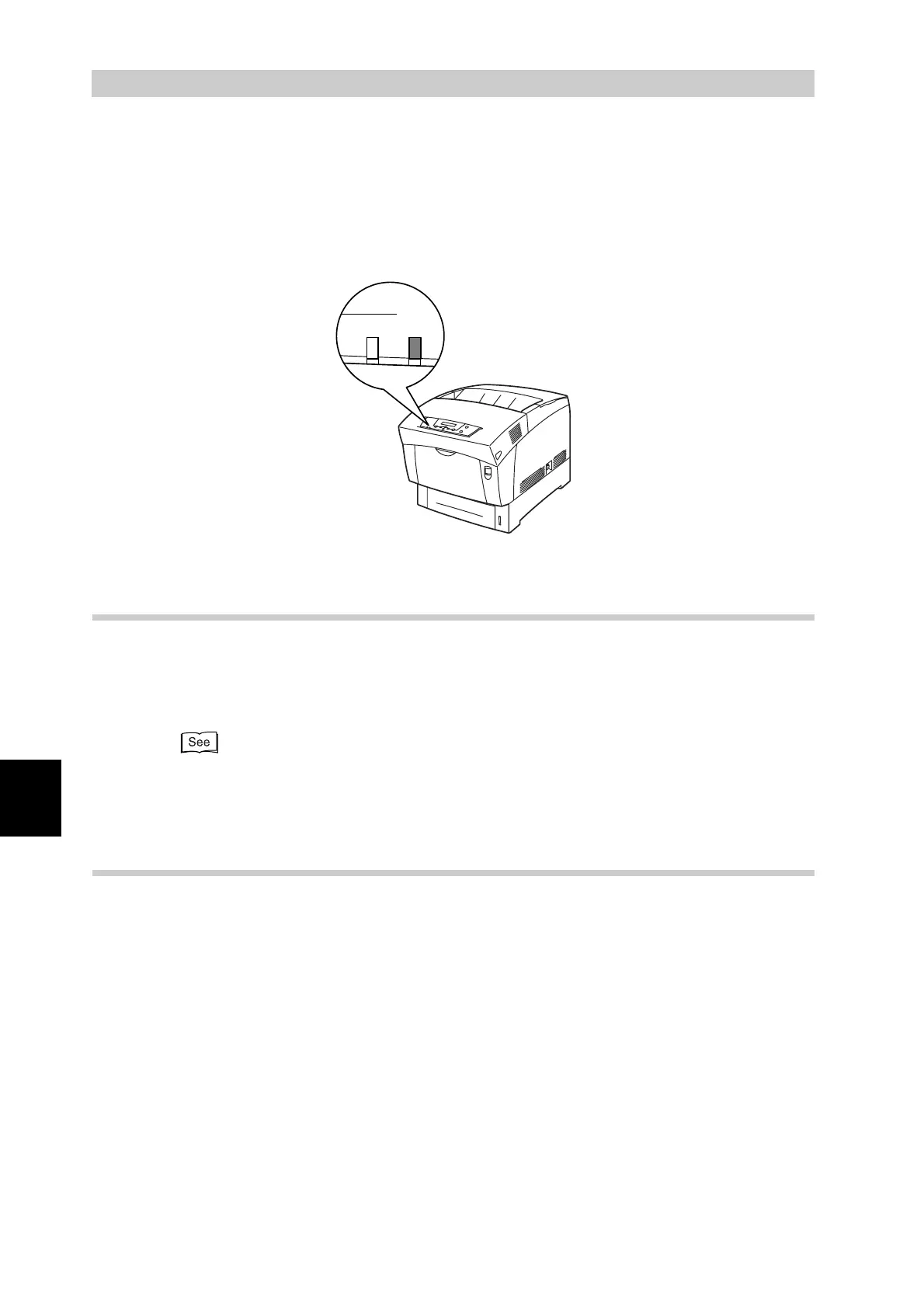
The red Error indicator on the control panel indicates that there is a problem with the printer.
When the Error indicator is on or is blinking while you are using the printer, refer to the
sections below and follow the procedures therein.
6.8.1 The Error Indicator is On
When the Error indicator is on, it indicates a paper jam or other problem that you
can rectify by yourself. Rectify the problem according to the message displayed
on the control panel.
For detailed information about the meaning of error messages, refer to "6.7 When an Error
Message Appears on the Control Panel", and correct the error as instructed.
6.8.2 The Error Indicator is Blinking
When the Error indicator is blinking, it indicates a problem that you cannot rectify
by yourself. Write down the message and error code displayed, switch off the
printer and contact your service technician or dealer.
Ready Error



 To Next Page