6.7 When an Error Message Appears on the Control Panel
159
6
Troubleshooting
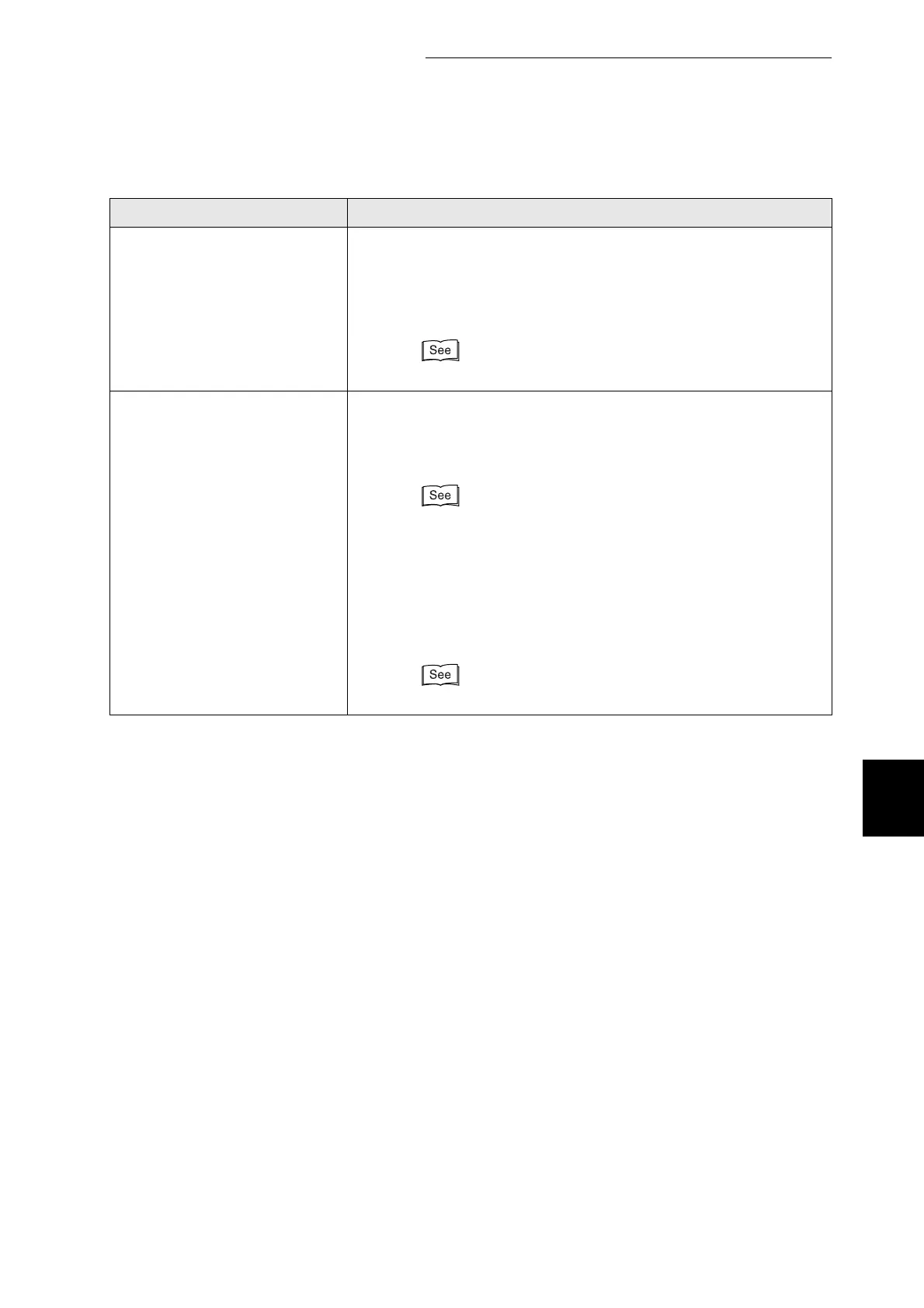
Reinsert Magenta
Toner (M)
There is no magenta toner cartridge inserted in the printer or the
cartridge is improperly set.
Action: Grip the levers at each end of the magenta toner cartridge
with your fingers, then push down firmly to rotate the levers
forward to install the cartridge.
"8.1.2 Replacing Toner Cartridges"
Out of Memory
Please Press Set
There is not enough memory available for the printer to function
normally.
Action: Press the Set/Eject button and cancel printing. Install an
additional memory and reprint.
"Appendix A Introduction to Options and Consumables"
If you are unable to install an additional memory, print after
configuring the printer driver as follows:
●
Switch off two-sided printing and Multi-Up.
●
Set Normal to Document Type in the Graphics tab (Windows).
Note that this lowers image quality.
Help
Message Meaning and Action



 To Next Page