3.1 Switching On/Off the Power
67
3
Basic Printer Operation
3.1.2 Switching Off the Power
Follow the procedure below.
Procedure
1
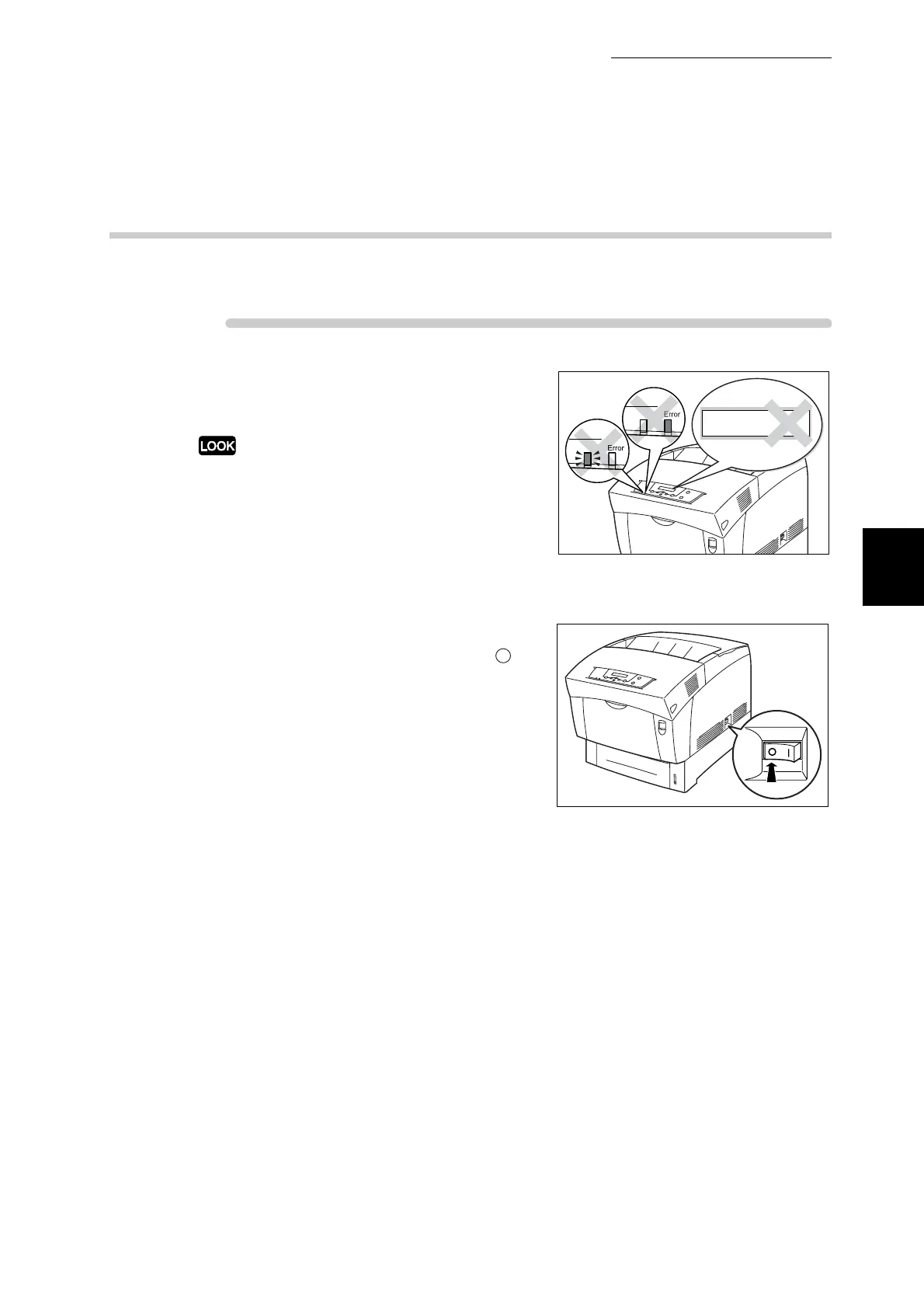
Confirm that "Ready to Print" is
displayed on the control panel.
Do not switch off the printer in the following
situations:
●
When "Data Wait" is displayed on the control
panel.
●
When the Ready indicator is blinking.
●
When the Error indicator is lit.
2
On the printer's right side, press the
side of the power switch marked " " to
switch off the printer.
The printer is now off.
Ready
Ready
Data Wait



 To Next Page