66
3
Basic Printer Operation
3.1
Switching On/Off the
Power
3.1.1 Switching On the Power
Follow the procedure below.
Procedure
1
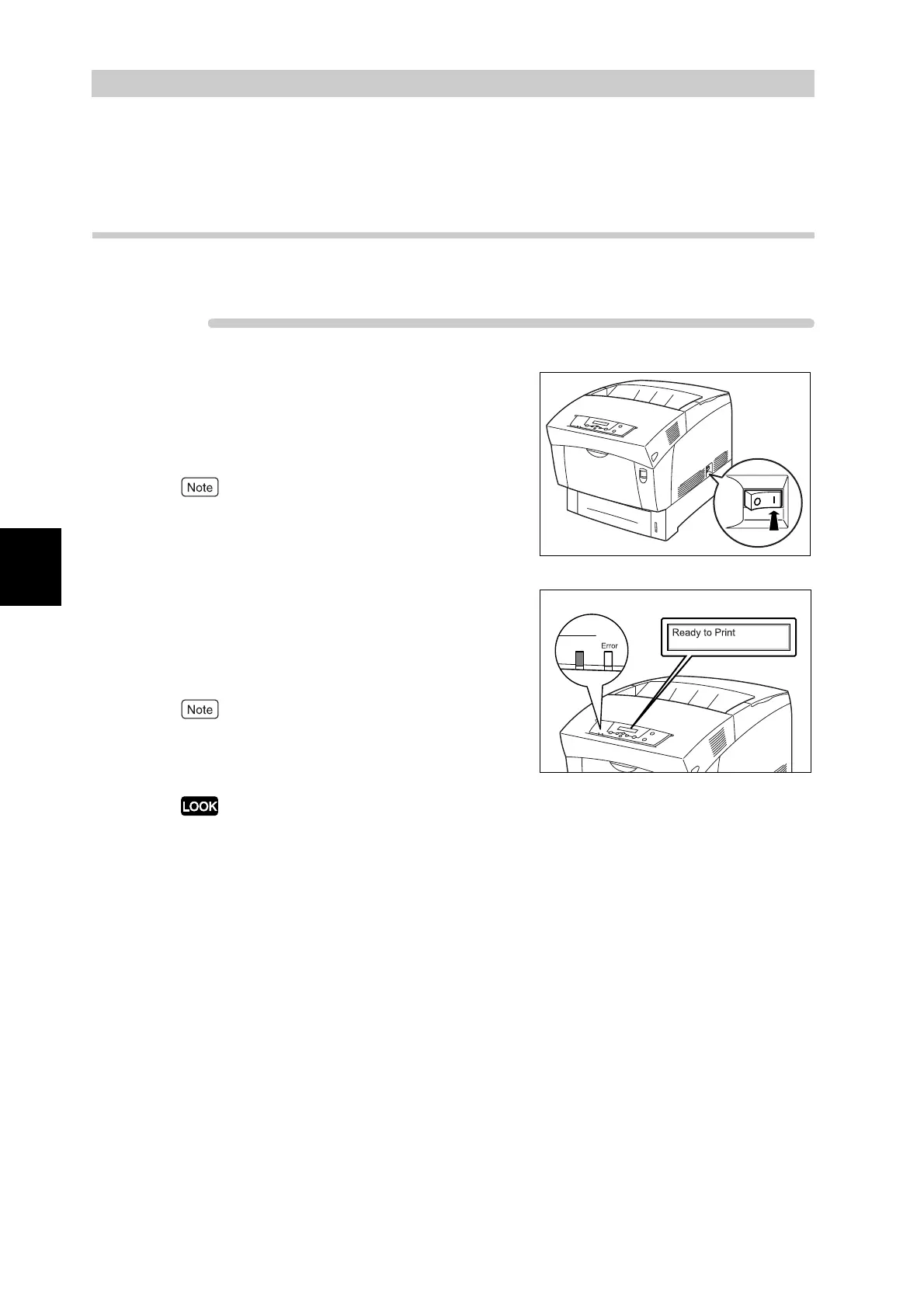
On the printer's right side, press the
side of the power switch marked "|" to
switch on the printer.
The printer starts.
The printer motors warm up for one or two minutes
when you switch on the printer.
2
"Testing..." appears on the control
panel. When the display changes from
"Please Wait..." to "Ready to Print",
check that the Ready indicator is lit.
When "Please Wait..." is displayed, the printer is
preparing to print. Printing is not possible while this
message is displayed.
If an error message appears on the display, refer to
"6.7 When an Error Message Appears on the
Control Panel" and rectify the error as instructed.
Ready



 To Next Page