68
3
Basic Printer Operation
3.2
Printing From a Computer
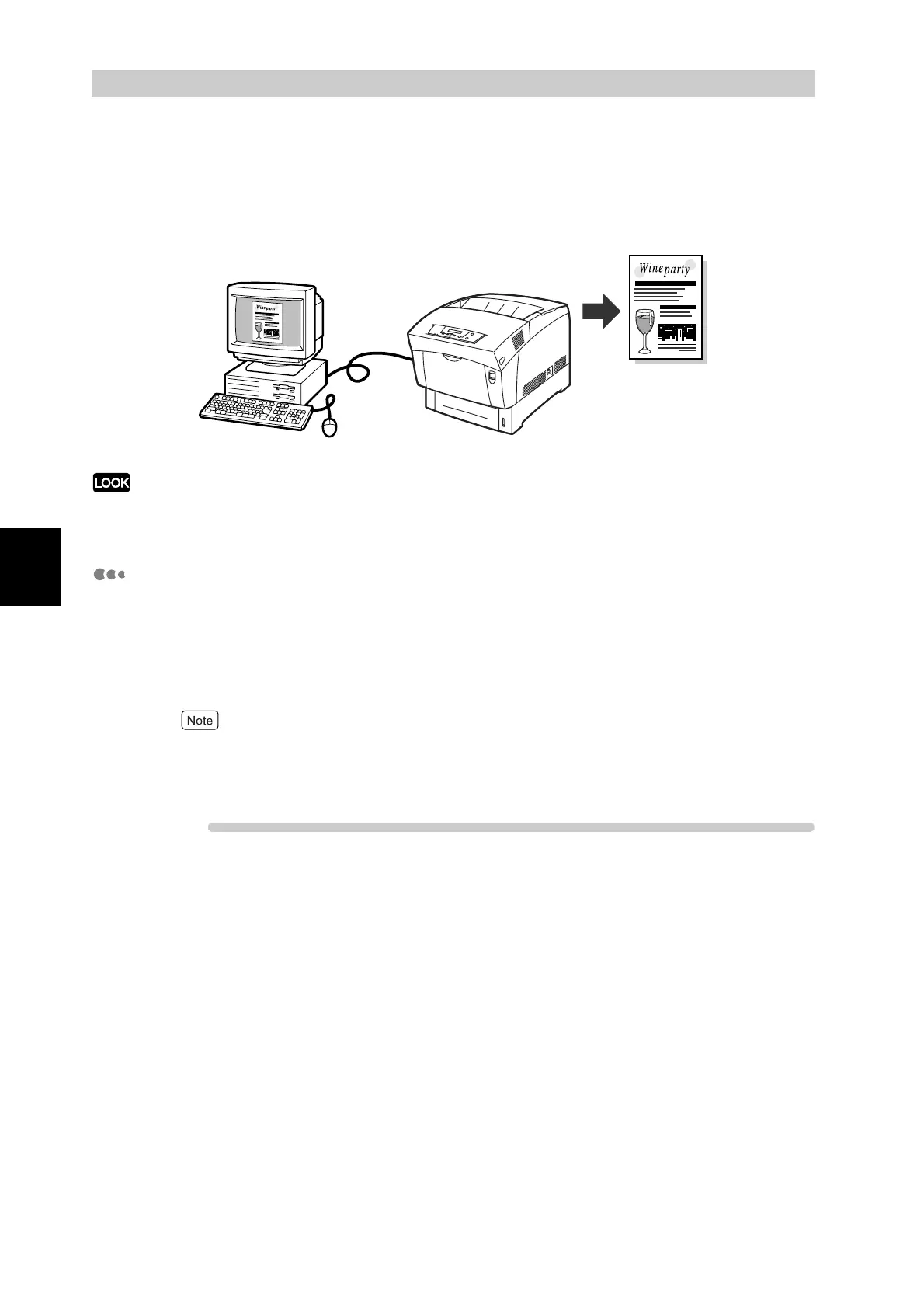
This section describes the procedures for printing from computers using the PCL6 printer
driver.
When you install new printer options, you must reconfigure the printer driver to use the options. To confirm
or make settings, refer to "3.5 Changing the Configuration for Options".
Printing from a Program
You can output jobs to the printer from most Windows programs with their Print
command.
The following is a description of printing from Microsoft
®
Word 97 in Windows
®
98.
How to access dialog boxes and their contents various depending on the operating system
and programs you are using. For details, refer to the literature provided with the program you
are using.
Procedure
1
On the File menu, click Print.
The Print dialog box appears.



 To Next Page