5.1 Control Panel Part Names and Functions
112
5
Control Panel
5.1.3 Buttons
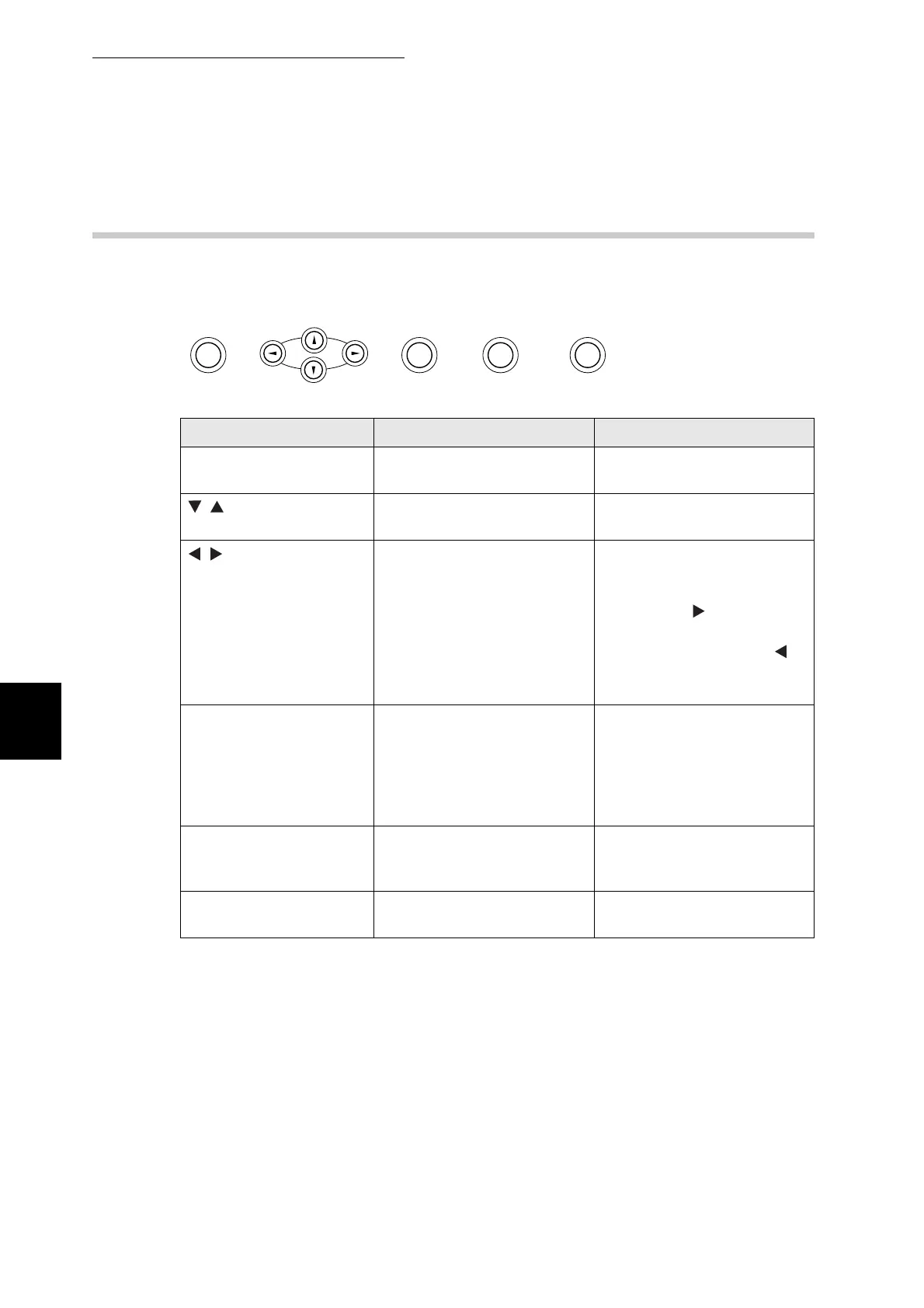
There are eight buttons on the control panel.
Their functions depend on the screen displayed. The functions are as follows:
Name Print screen Menu screen
Menu button Switches to the menu screen. Closes the menu screen and
switches to the print screen.
buttons - Allows you to scroll through
menus and menu items.
buttons - Switches to different menu
levels and moves the cursor
between parameters.
Pressing the button in a
menu moves the menu one
level down. Pressing the
button moves the menu one
level up.
Set/Eject button Forces the remaining print
data to be output. For details
about this function, refer to
"6.9 Forcing the Printer to
Print Remaining Data (When
Printing is Halted)"
Selects menus and menu
items. Moves the menu one
level down when a menu is
selected. Sets a parameter
when one is displayed.
Cancel/Back button Cancels printing. For details
about this function, refer to
"3.5 Canceling Printing".
Moves the displayed menu
one level up.
Power saver button Releases the printer from
power saver mode 2.
-
Menu Eject
Set Back
Cancel Power saver



 To Next Page