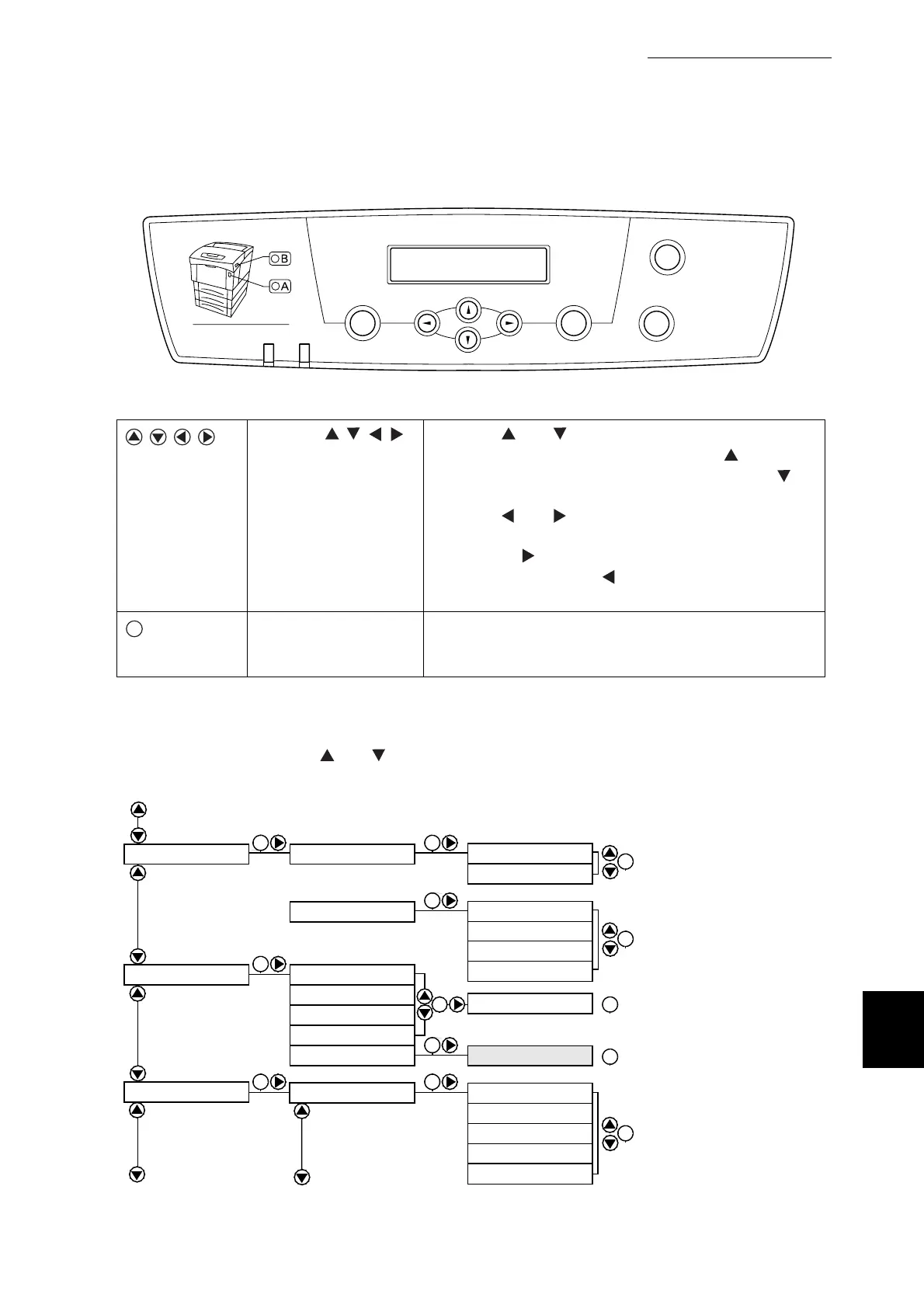
B Control Panel Menu List
221
Appendix
Symbols
●
Pressing the Cancel/Back button returns to the preceding menu or item.
●
To exit the menu screen, press the Menu button.
●
"*" or "_" indicate defaults.
●
To reset defaults, press the and buttons simultaneously.
Press the
buttons.
Press the and buttons to move between menus
and items on the same level. Pressing the button
moves to the previous menu or item. Pressing the
button advances to the next menu or item.
Press the and buttons to switch to different menu
levels and move the cursor (_) between parameters.
Pressing the button in a menu moves the menu one
level down. Pressing the button moves the menu one
level up.
Press the Set/Eject
button.
Moves to the next level. Also, press this button to set a
parameter. (When the parameter is set, "*" appears next
to it.)
Menu
Ready
Eject
Set Back
Cancel
Error
Front Door Release Button
Power saver
SE
...from previous page
SE
SE
SE
SE
SESE
Ready to Print
SE
3:Parallel
Printer Settings
Panel Settings
PCL6 Fonts List
Log Print
PS Fonts List
4:Report/List
ECP
See next page...
SE SE
SE
Ethernet
5:Network
Auto
*
10Base/Half
10Base/Full
100Base/Half
100Base/Full
Disabled
Enabled
*
SE
SE
SE
Adobe protocol
Standard
*
TBCP
BCP
*
Auto
*
Ready to Print



 To Next Page