4.2 Loading Paper
106
4
Loading Paper and Usable Paper Types
4.2.3 Loading Transparency Sheets in the Multi
Purpose Tray
Feed transparency sheets from the multi purpose tray.
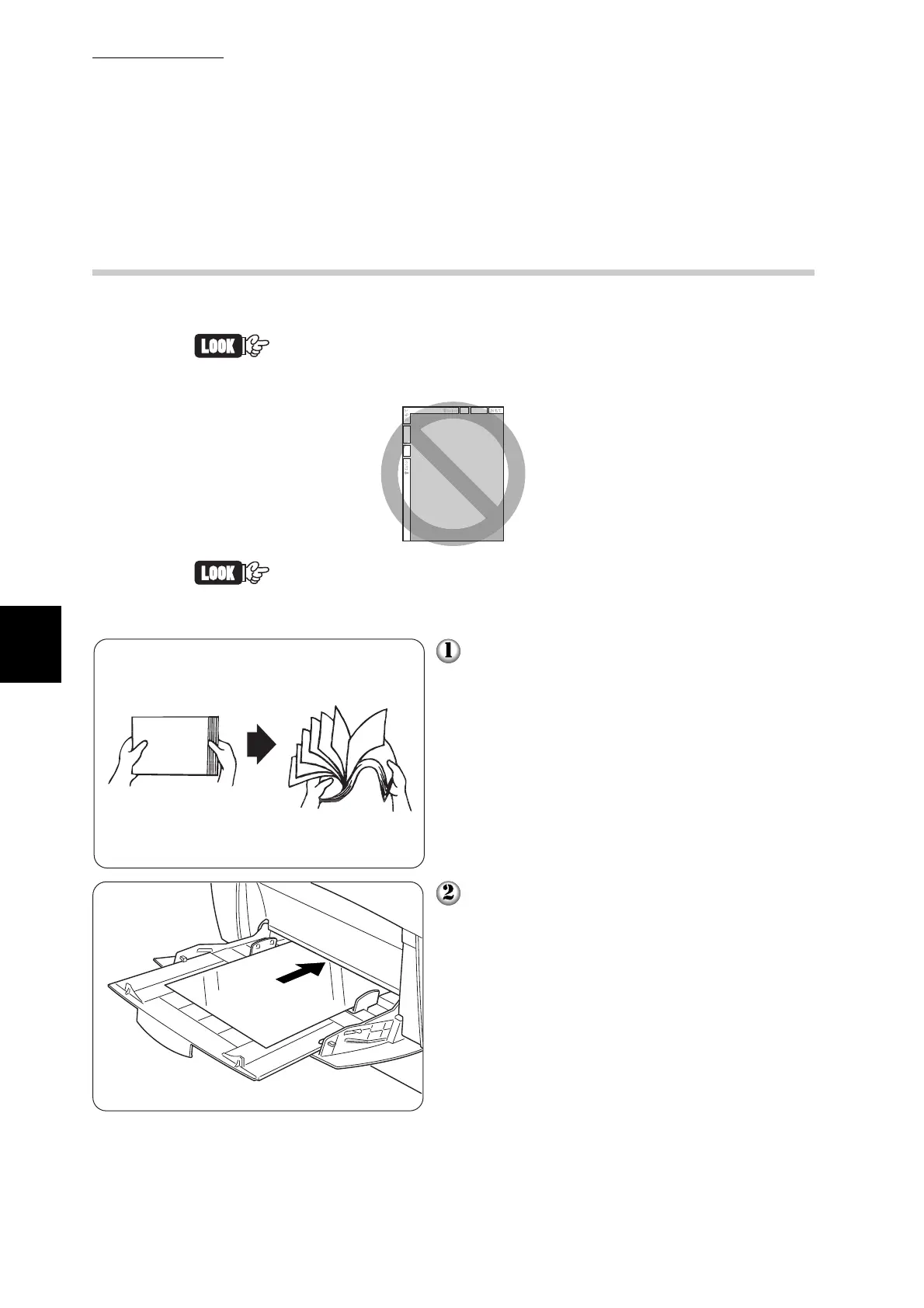
Use only the recommended types of transparency sheet. Do not
use any other types, such as color transparency sheets (bordered
by a white frame).
Remove each transparency sheet from the face down tray as soon
as it is ejected. If transparency sheets are allowed to accumulate in
the face down tray, static electricity can build up and cause a jam.
Fan a few transparency sheets at a time.
Insert the transparency sheets into the
multi purpose tray until they lightly touch
the feeding slot.



 To Next Page