199
Daily Care
8
8.5
Confirming Printer Status
from Your Computer
This printer features a variety of network tools that enable you to check the status of the
printer from your computer through the network.
Using these tools saves you from having to leave your computer to check if the printer is
working properly.
This section gives a basic introduction to the various tools.
8.5.1 Checking Status and Remaining Amounts
of Consumables with a Web Browser
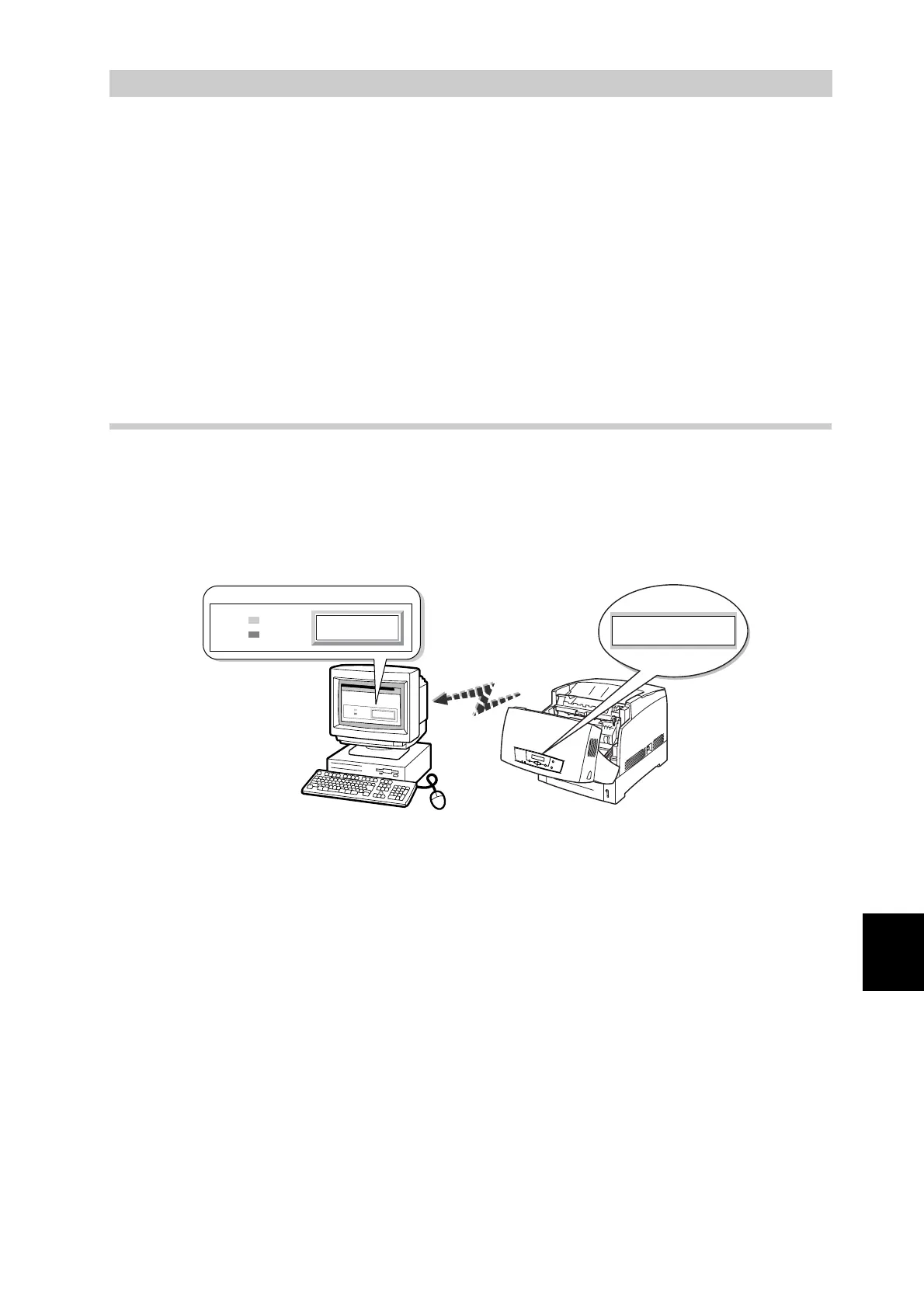
When using TCP/IP to communicate with the printer, you can check the printer
status and make printer settings through the network from a Web browser.
This feature is called "Internet Services".
Internet Services also let you check the remaining amount of paper and
consumables in the printer.
The following section describes the procedure to use Internet Services.
The example presented here uses Microsoft Internet Explorer 6.0 running on
Windows 98.
Close
Front Door
Close
Front Door
Printer Console
Online
Error
C
lo
s
e
F
ro
n
t D
o
o
r
P
rinter C
onso
le
Online
Error



 To Next Page