100
4
Loading Paper and Usable Paper Types
4.2
Loading Paper
This section describes the following loading methods:
• Loading paper in the paper tray
• Loading paper in the multi purpose tray
• Loading transparency sheets in the multi purpose tray
• Loading postcards in the multi purpose tray
• Loading envelopes in the multi purpose tray
For information about suitable paper types, refer to “2.2 Paper
Handling”.
4.2.1 Loading Paper in the Paper Tray
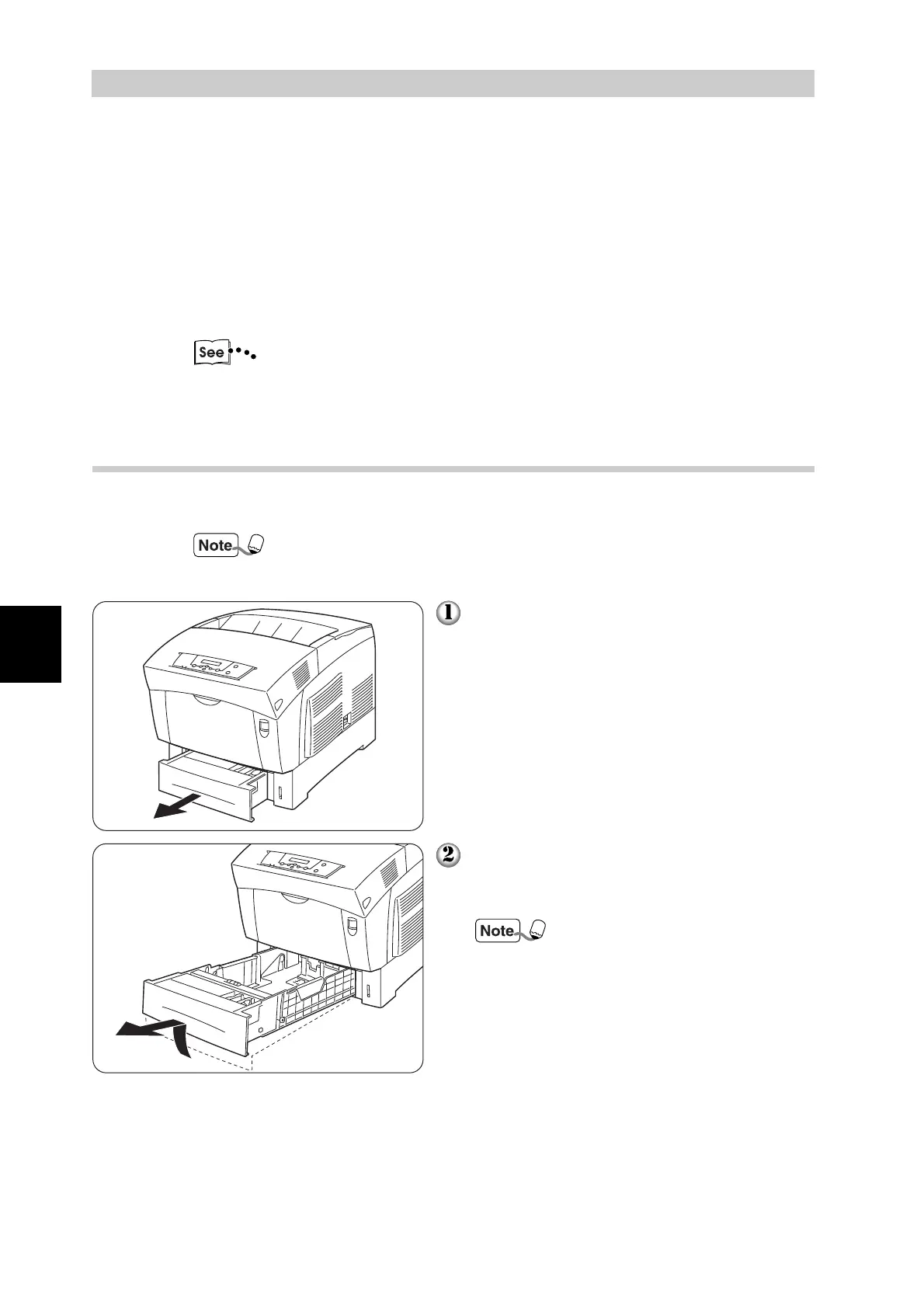
Follow the procedure below to load paper into the paper tray.
Load paper into the optional tray module (1 or 2 cassettes) the
same way.
Gently pull out the paper tray until it
stops.
Hold the tray with both hands, lift the front
slightly and pull it completely out of the
printer.
Place the tray on a flat surface.



 To Next Page