5.1 Control Panel Part Names and Functions
111
5
Control Panel
5.1.2 Display
Displays printer status (print screen) and menus for configuring the printer (menu
screen).
The items displayed differ depending on printer settings and installed options.
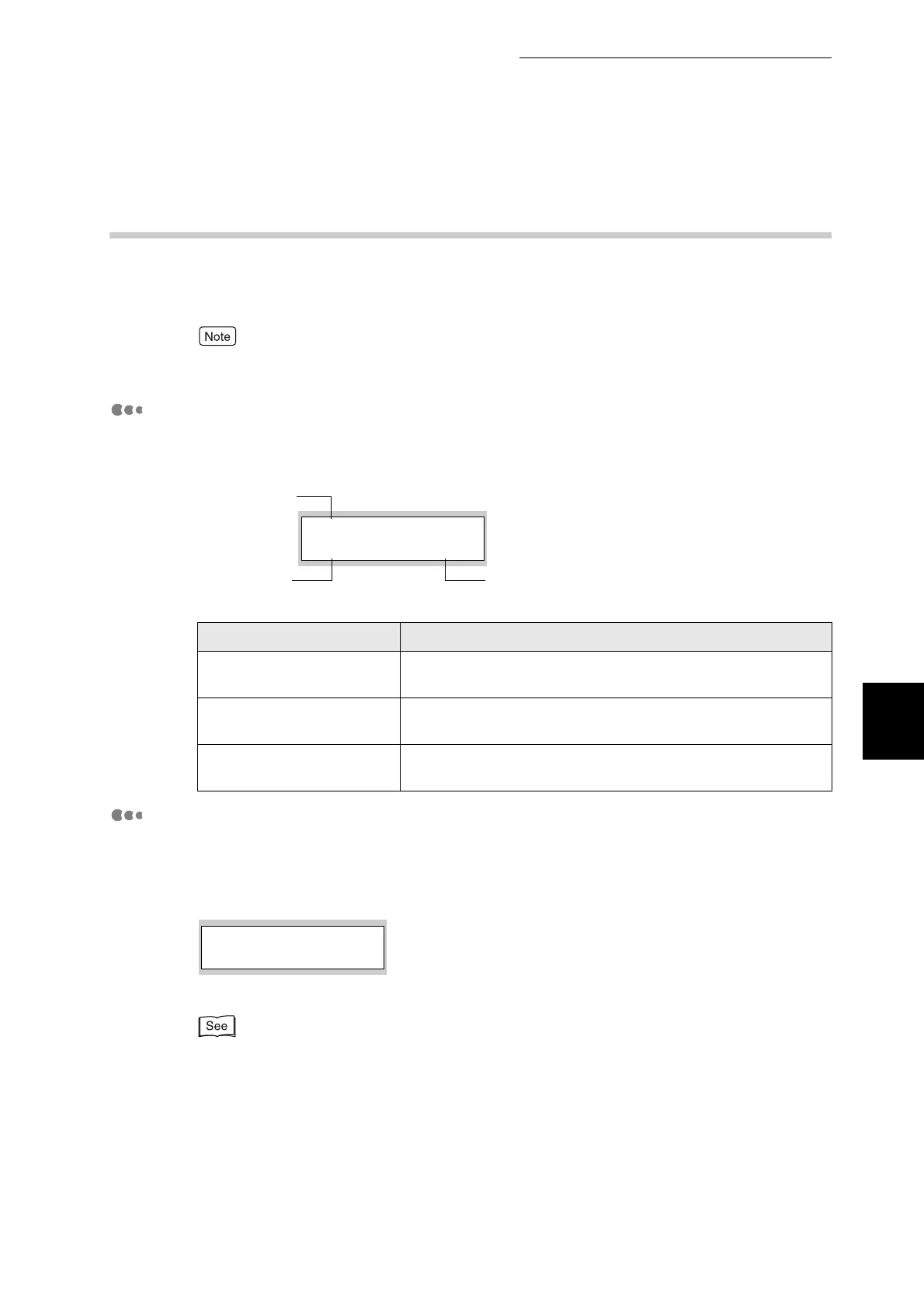
Print Screen
When the printer is waiting for data or printing, this screen is displayed. The
contents of the print screen are as follows.
Menu Screen
Use this screen to configure the printer.
The menu screen appears when you press the Menu button. The first screen
displayed contains the following:
For details about the menu screen, refer to "5.2 Basic Menu Operation".
Name Explanation
Printer status Shows the printer status.
Example:"Please Wait...", "Printing", "Ready to Print".
Input port Shows the port through which the printer is receiving data.
Example:"Parallel", "USB", "Port 9100", "LPD", "NetWare".
Paper tray Shows the paper tray in use.
Example:"Tray 1", "Tray 2", "Tray 3", "Manual".
Parallel
Printing
Tray 1
Printer status
Input port
Paper tray
1:System
Menu



 To Next Page