iv
Adjusting colors
Economizing
Print on both sides
of the paper
Printing With Various Functions
P. 117
Help
Managing the printer
P. 194
P. 199
Using the printer efficiently!
You can do the following with your printer:
Help keywords are used in Windows. For information about the contents of
Help and how to use it, refer to "3.4 Using Online Help".
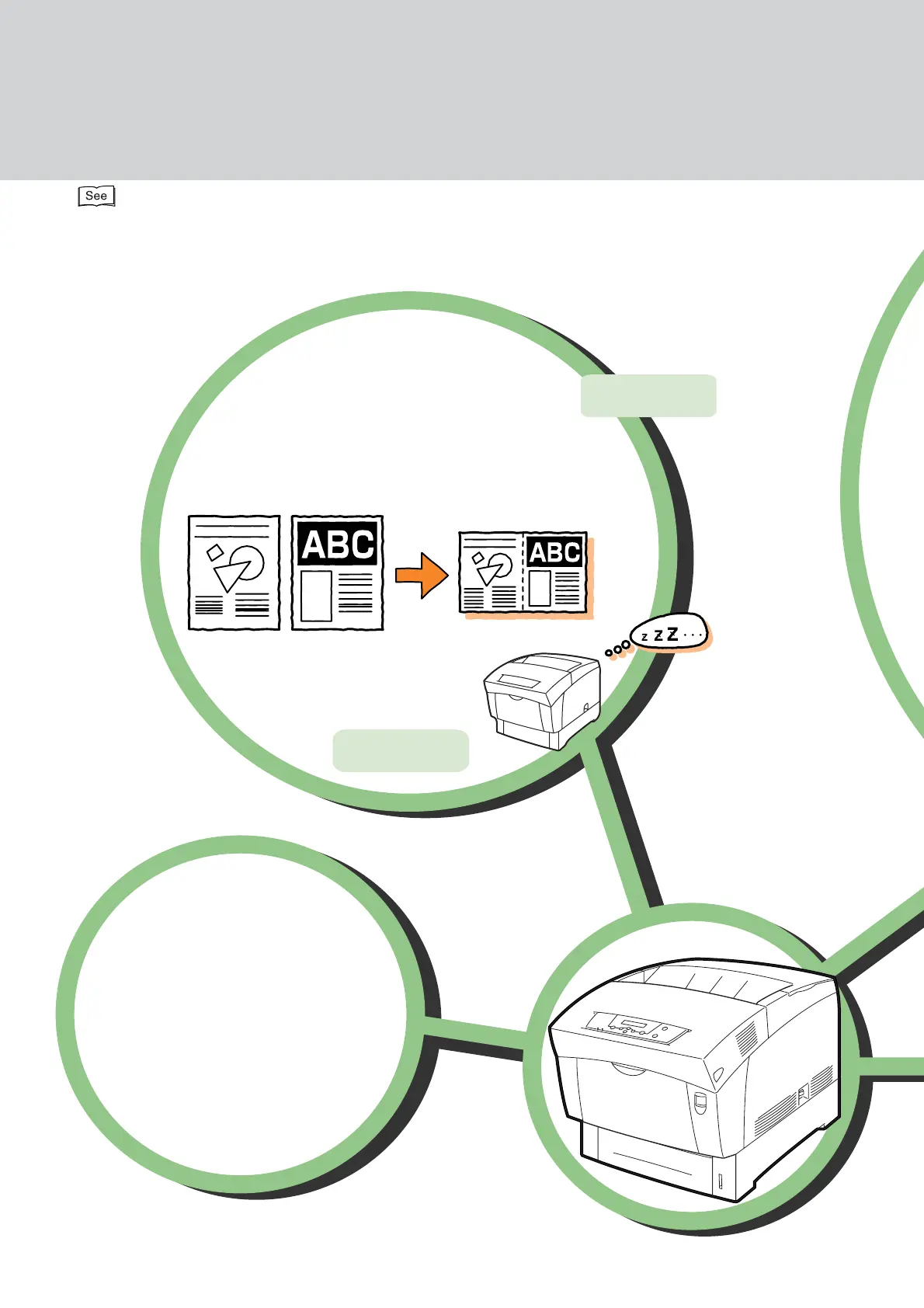
Printing multiple pages on a
single page
Keyword:
2 sided Print
Keyword:
Multi-Up
Setting the power
saver mode
Setting different image
quality levels to suit
your needs
Adjusting tones and
image quality
Help
Printing a stamp such as the
word ''Confidential'' as a
background to the main
printed text
Keyword: Printing a Watermark
Printing on paper inserted
between transparency
sheets
(Transparency Separators)
Keyword:
Transparency
Separators
Printing a single document
several times on the same
page (Image Repeat)
Keyword:
Using Image Repeat to Print a Job
Printing with banner sheets to separate print jobs
Keyword:
Placing Banner Sheets
Between Jobs
Ms A
Mr B
Ms C
Managing the printer
from a computer
Printer operational settings
Managing job logs
Printing reports
You can do the following with your
Adjusting colors
Economizing
Print on both sides
of the paper
P. 117
Help
Using the printer efficiently!
You can do the following with your printer:
Help keywords are used in Windows. For information about the contents of
Help and how to use it, refer to "3.4 Using Online Help".
Printing multiple pages on a
single page
Keyword:
2 sided Print
Keyword:
Multi-Up
Setting the power
saver mode
Setting different image
quality levels to suit
your needs
Adjusting tones and
image quality



 To Next Page