152
6
Troubleshooting
6.7
When an Error Message
Appears on the Control Panel
This section describes error messages and their meanings, as well as what to do when they
appear.
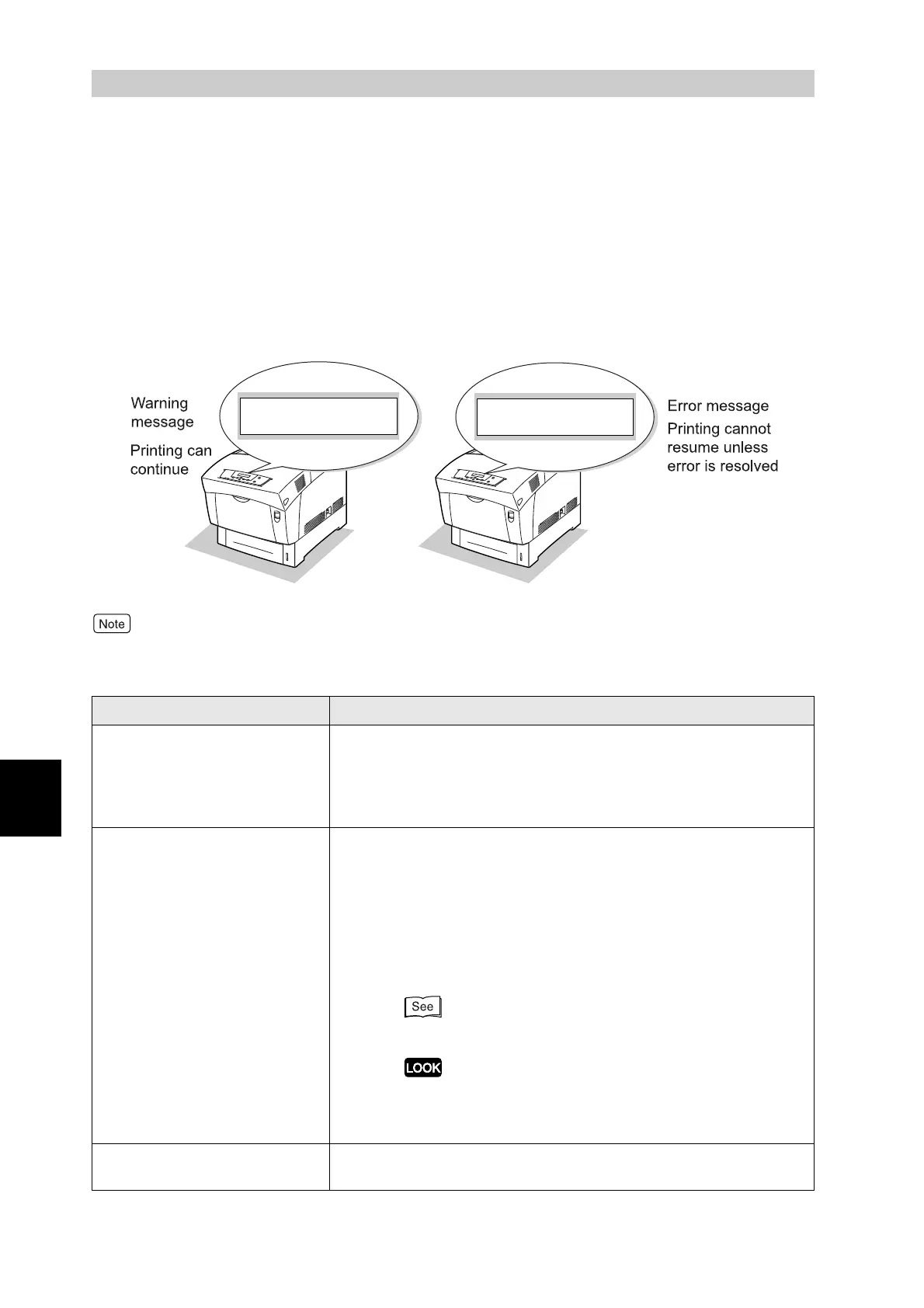
Error messages are warnings that alert you to precautions to take when printing, and inform
you of actions that you need to take to rectify problems.
When an error message is displayed, find the corresponding message in the table below
and follow the procedure herein.
When the message is too long to fit on the display, the screen changes every three seconds, displaying
the message in segments.
Message Meaning and Action
***-*** Please
Reboot Printer
The printer is not functioning normally.
Action: Switch off the printer and switch it on again. When the
same message reappears after taking this action, write the
error code displayed, switch off the printer, and contact
your Tally service or dealer.
Transp. Error
Open Cover A
Transparencies were not specified as the paper type on the
computer, the media in the printer is not transparencies, or
transparencies were fed instead of the intended media.
Action: Press button A, open the front door and remove the
jammed media. After that, load the media type specified on
the computer. If this message appears and the loaded
media is correct, specify the paper tray of that media on
the computer and reprint.
"Chapter 7 Clearing Paper Jams"
Do not use transparencies framed by a white border. Refer
to "4.1 Suitable and Unsuitable Paper Types" and load the
recommended type of transparencies.
PDFPermissionErr
Please Press Set
PDF files that are disallowed will not print.
Action: Press the Set/Eject button and cancel printing.
Cartridge
Replace Drum
Drum Cartridge
Ready to Print
"**" indicate alphanumeric characters.



 To Next Page