1.2 Configuring the Printer
9
Printer System Settings
1
NetWare
®
Installing an optional network expansion card enables the printer to use IPX/SPX
protocol. In a network environment using NetWare versions 4.1, 4.11, 4.2, or 5.1
from Novell Inc., printing is performed from NetWare client computers.
Printing from a Macintosh Computer
The optional PostScript3 kit is required in order to print from a Macintosh
computer.
When the printer is connected to the Macintosh computer by USB cable, printing
is possible using the Adobe PostScript driver.
Further, with the optional network expansion card installed, the printer can be
connected to an EtherTalk network. Printing is then possible from Macintosh
computers that are connected to the network.
See the Postscript User Guide for details of installation of the optional PDL
emulation, Postscript level 3, onto Macintosh computers.
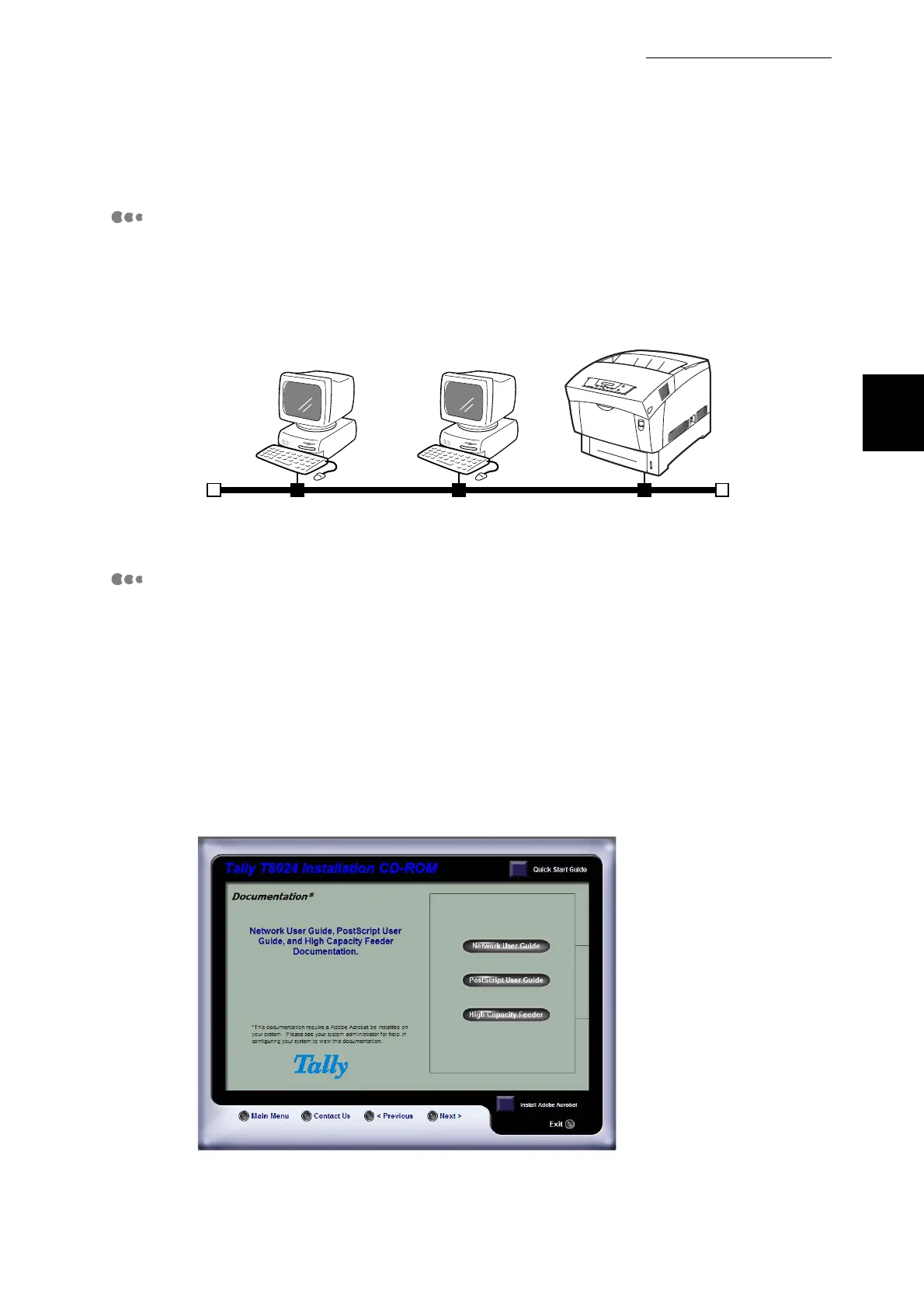
NetWare client NetWare server
Printer
NetWare(IPX/SPX)
NetWare(IPX/SPX)



 To Next Page