78
3
Basic Printer Operation
3.5
Changing the
Configuration for Options
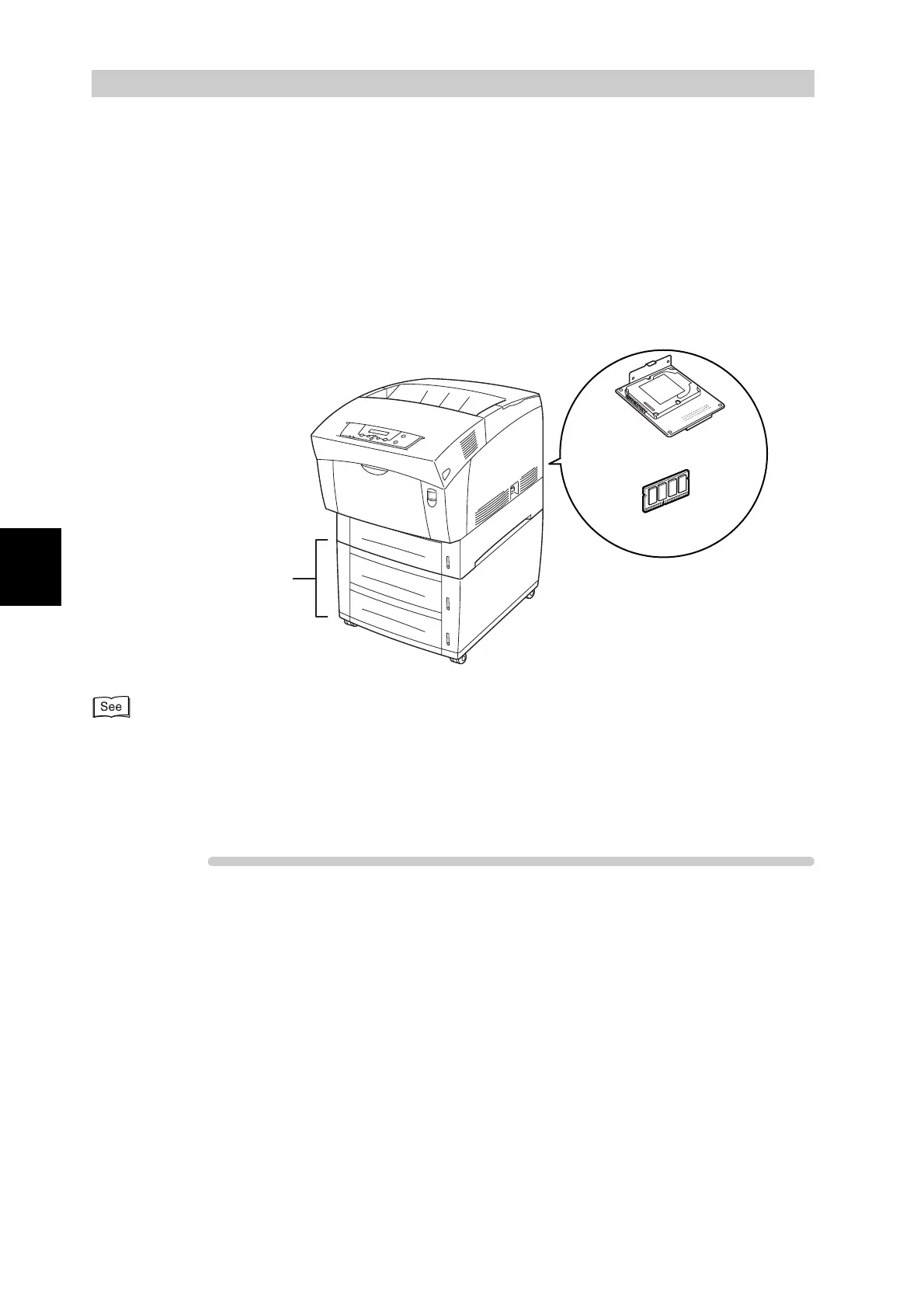
If you add any of the following options to the printer after completing initial set-up, you must
reconfigure the PCL6 printer driver.
●
Hard disk
●
Additional memory
●
2 tray module
●
1 tray module
For details about how to install options, refer to appendix A.1.1 “Installing Optional Accessories” or the
literature provided with the options. In the following section, it is assumed that the options are already
installed.
Follow the procedure below. The following example is for Windows 98.
Procedure
1
Click Start, select Settings and then Printers.
The Printers window is displayed.
2
Select the appropriate printer and click Properties from the File menu.
The Properties dialog box is displayed.
3
Click the Printer configuration tab.
2tray module
Additional
memory
Hard disk



 To Next Page