204
Daily Care
8
8.6
Cleaning the Printer
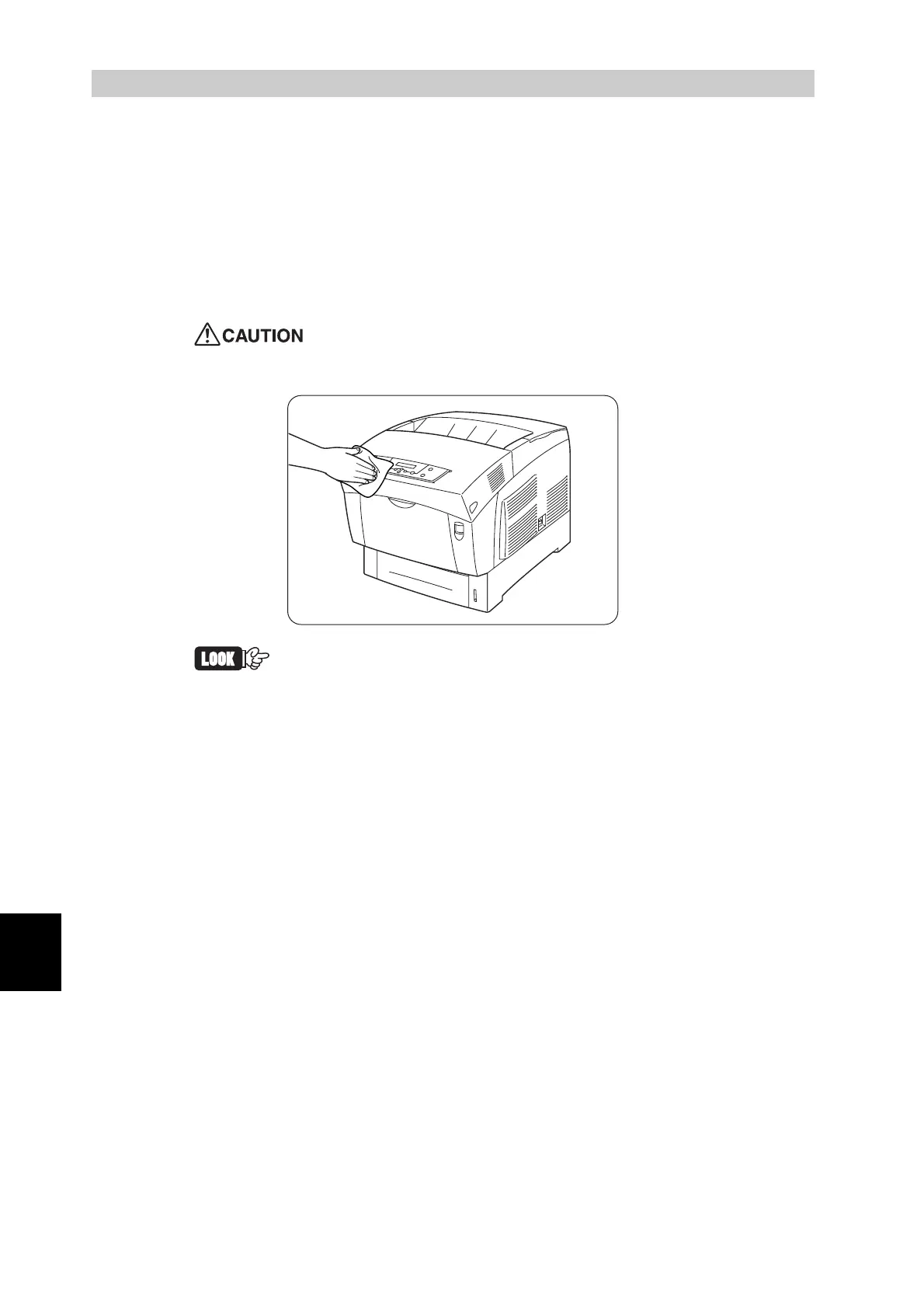
Use a soft, damp, well-wrung cloth to clean the outside of the printer. Wipe
any remaining water with a soft dry cloth. If some stains prove difficult to
remove, use a cloth moistened with a mild neutral detergent.
We recommend that you clean the printer at least once a month to keep it in
good working condition and to maintain print quality.
To prevent electric shock, turn off the printer and unplug the
power cord from the AC outlet before cleaning.
• Never spray detergent directly onto the printer. Droplets of deter-
gent can enter the printer and cause malfunctions. Never use
detergents other than neutral detergents.
• Never lubricate the printer with oil. The printer does not require
lubrication.
• Never use a vacuum cleaner to clean the printer.



 To Next Page