209
Daily Care
8
8.8
Storing the Printer
Follow the procedure below when you do not need to use the printer for a
long period.
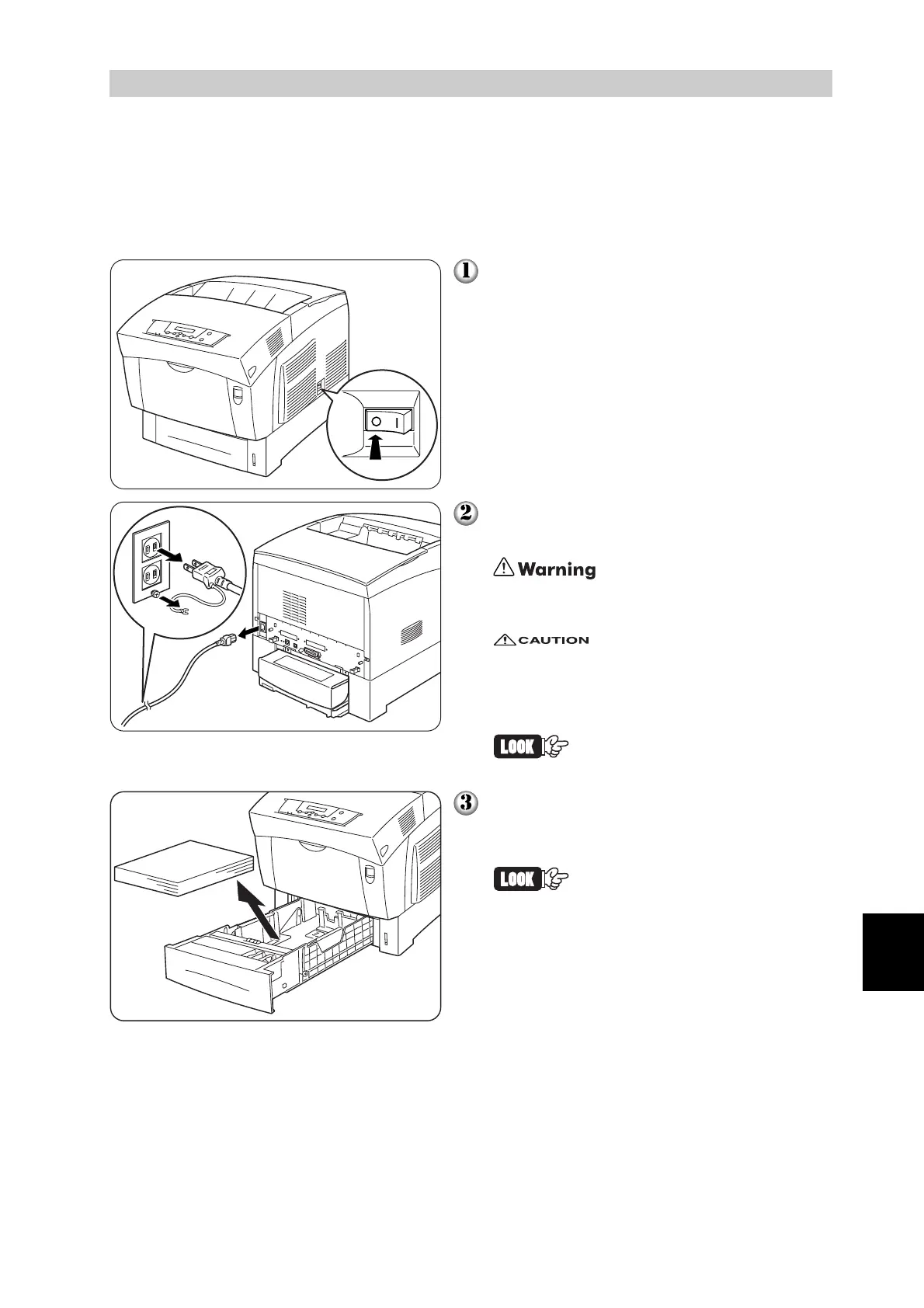
On the right side of the printer, press [O]
on the power switch to turn off the printer.
Disconnect the power cord, interface
cable, and any other cables.
To prevent electric shock, never touch the
power plug with wet hands.
When removing the power cord, make
sure that you pull the plug and not the
cord. Pulling the cord can damage it,
which can lead to fire or electrical shock.
The illustration on the left
shows the 100V power cord.
Remove any remaining paper from the
paper tray and store it in a dry, dust-free
place.
If the paper proves difficult to
remove, pull the tray completely
out of the printer and try remov-
ing the paper again.



 To Next Page