8.7 Moving the Printer
208
Daily Care
8
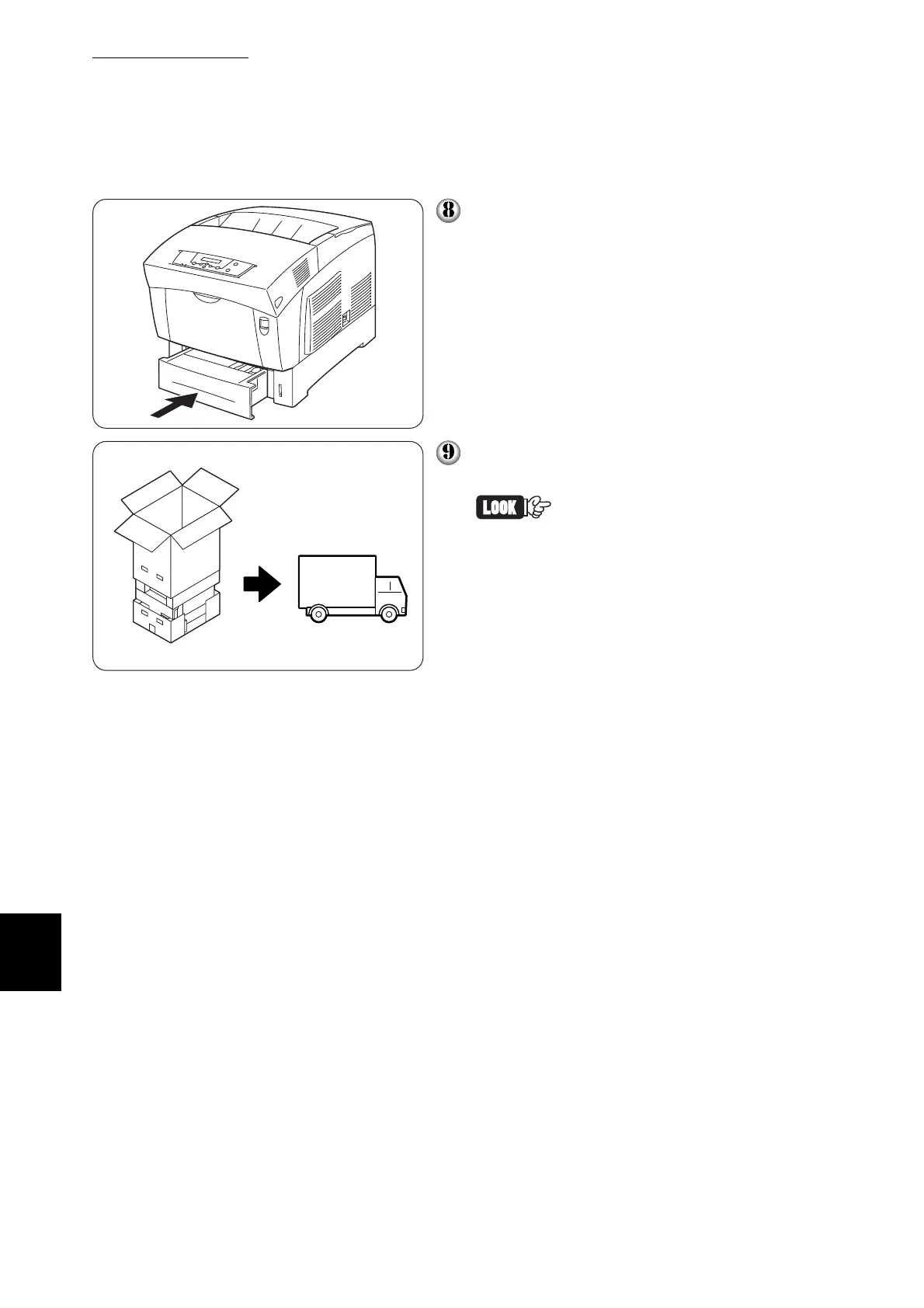
Push the paper tray completely back into
the printer.
Do not move the printer for 20 minutes.
This is to allow the printer's fuser to cool
down before moving
To protect the printer from damage, pack
it in a box before transporting it.
After moving the printer to the
new location, you need to read-
just the color registration. For
details, refer to “1.4.7 Adjust-
ing Color Registration.”



 To Next Page