8.7 Moving the Printer
207
Daily Care
8
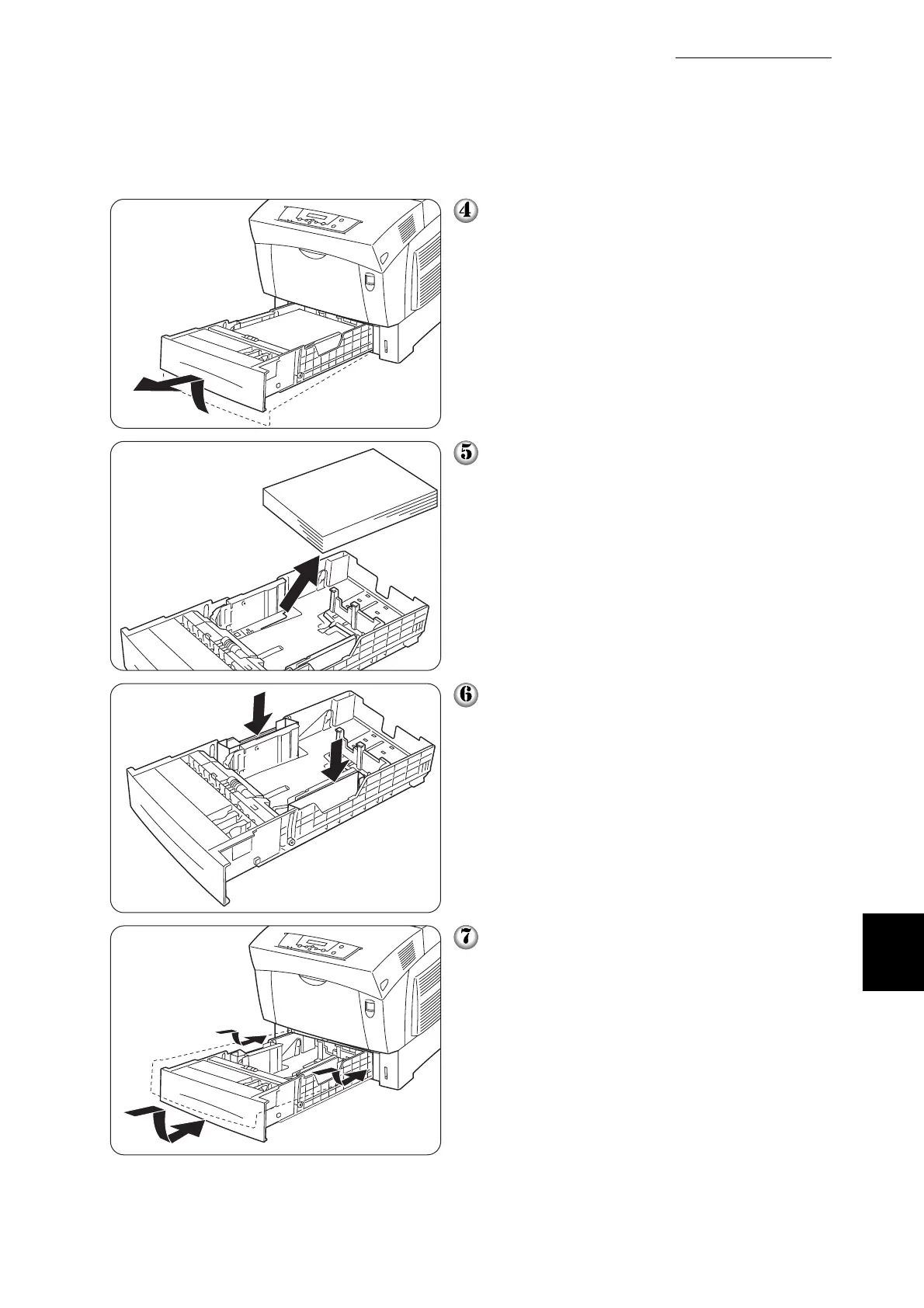
Hold the tray with both hands, lift the front
up slightly and pull it completely out of
the printer.
Remove the paper from the paper tray,
and store it in a dry, dust-free place.
Insert the cardboard spacers in the tray
as illustrated on the left.
Hold the paper tray with both hands,
align it with the opening in the printer and
gently insert it.



 To Next Page