6.4 Print Quality is Not Good
140
6
Troubleshooting
6.4.2 Faded or Dirty Printouts, White Areas
(Drop-outs), Creases, Blurs
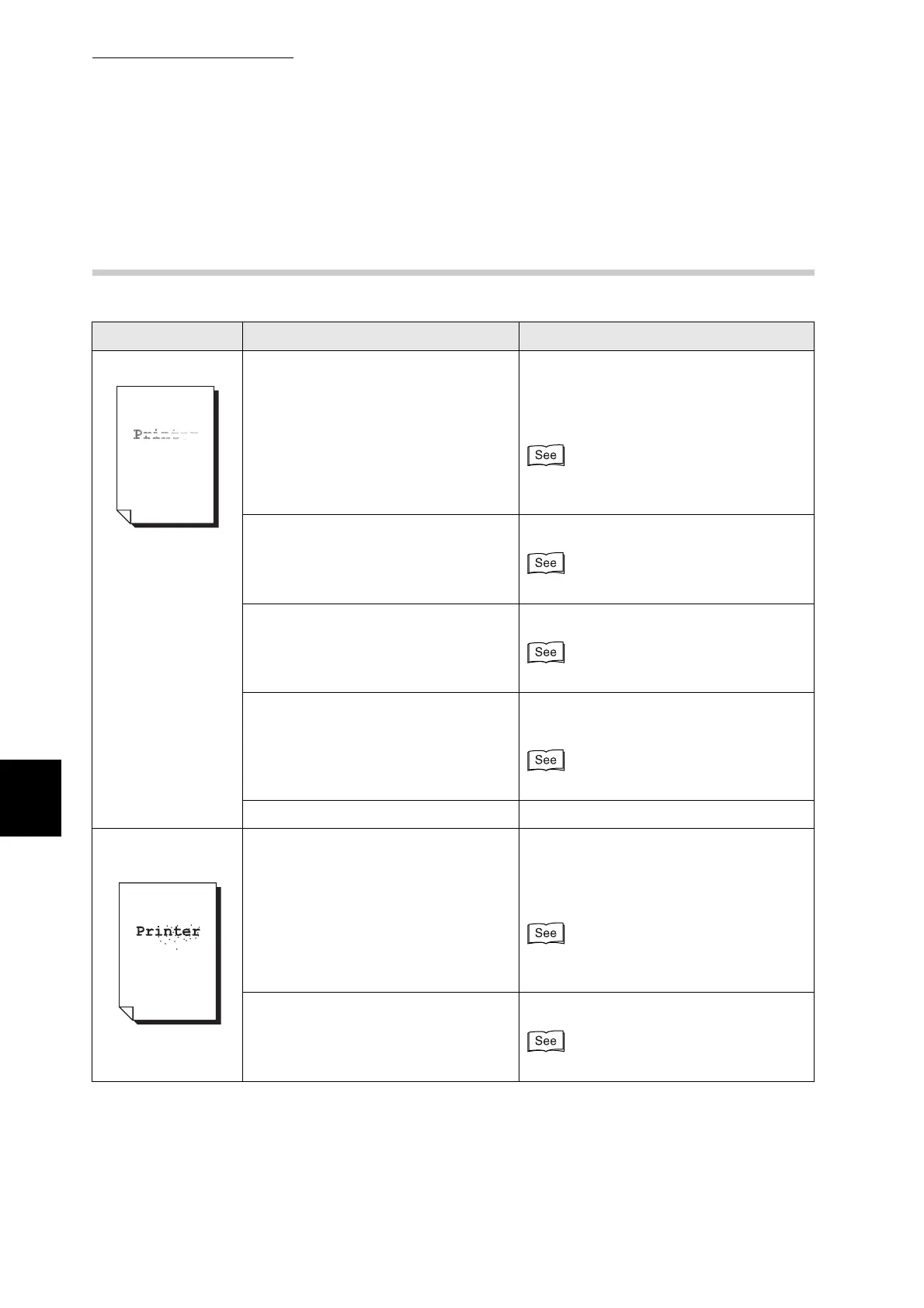
Symptom Possible Cause Action
Faded printouts Is the media suitable? Replace the media with a size and type
of media suitable for use with this printer.
Set the printer driver to the type of paper
you are using.
"4.1 Suitable and Unsuitable Paper
Types"
Is the paper damp? Replace the paper.
"4.2 Loading Paper"
The drum cartridge is old or damaged. Replace the drum cartridge.
"8.2.2 Replacing the Drum Cartridge"
Is the EconoMode selected on the
printer driver?
Change the printer driver settings on the
Graphics tab (in Windows).
Help
The power supply is defective. Contact your technician or dealer.
Dirty spots are
printed
Is the media suitable? Are you using
preprinted or inkjet paper?
Replace the media with a size and type
of media suitable for use with this printer.
Set the printer driver to the type of paper
you are using.
"4.1 Suitable and Unsuitable Paper
Types"
The drum cartridge is old or damaged. Replace the drum cartridge.
"8.2.2 Replacing the Drum Cartridge"



 To Next Page