6.4 Print Quality is Not Good
141
6
Troubleshooting
Symptom Possible Cause Action
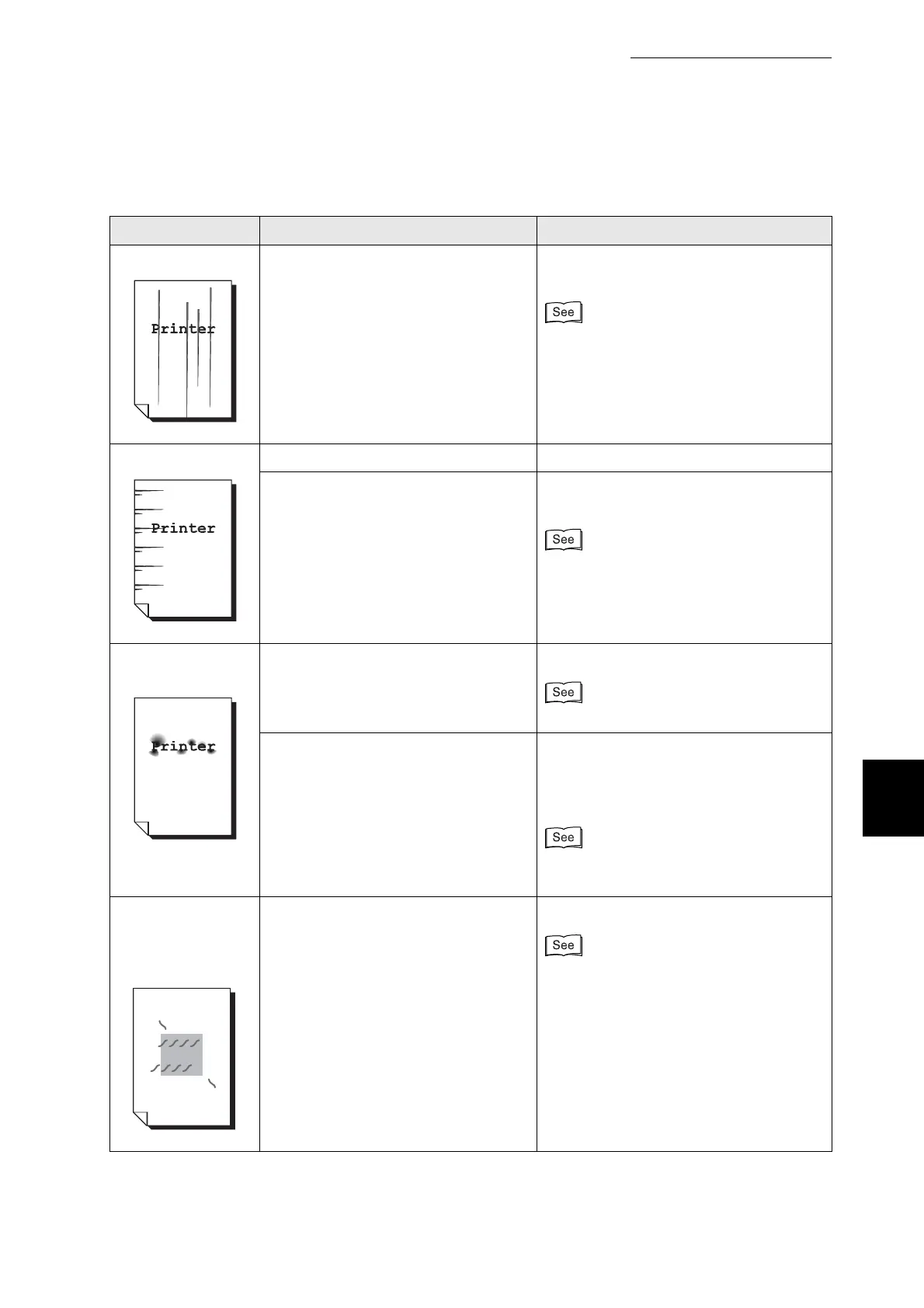
Vertical black lines The drum cartridge or transfer roller is
old or damaged.
Check the drum cartridge and transfer
roller and replace them as necessary.
●
"8.2.2 Replacing the Drum Cartridge"
●
"8.3.2 Replacing the Transfer Roller"
Recurring smudges Dirt in the paper path. Print several blank sheets.
The drum cartridge or transfer roller is
old or damaged.
Check the drum cartridge and transfer
roller and replace them as necessary.
●
"8.2.2 Replacing the Drum Cartridge"
●
"8.3.2 Replacing the Transfer Roller"
Ink smears when
rubbed
Is the paper damp? Replace the paper.
"4.2 Loading Paper"
Is the media suitable? Replace the media with a size and type
of media suitable for use with this printer.
Set the printer driver to the type of paper
you are using.
"4.1 Suitable and Unsuitable Paper
Types"
Hair-like marks
appear around
black halftone
printing
The paper was left unwrapped for a
long time (especially in a dry
environment).
Replace the paper.
"4.2 Loading Paper"



 To Next Page