Installing the Printer Driver
32
2
2.3
Configuring the TCP/IP
Direct Print Utility
This section explains the settings required for using the TCP/IP Direct Print Utility to print
from Windows 95/Windows 98/Windows Me.
2.3.1 Installing the TCP/IP Direct Print Utility
The procedure for installing the TCP/IP Direct Print Utility onto the computer is
described below. We will use Windows 98 in this procedure as an example.
If you are continuing with the procedure from the previous section, carry out the
procedure from Step 4 of specify option installed.
1
Switch on the computer and start Windows 98.
2
Insert the Tally Auto run CD into the CD-ROM drive.
The Tally StartUp Tool dialog box appears automatically.
If the Tally StartUp Tool dialog box does not appear automatically, go to My Computer and
double click the CD-ROM drive icon.
3
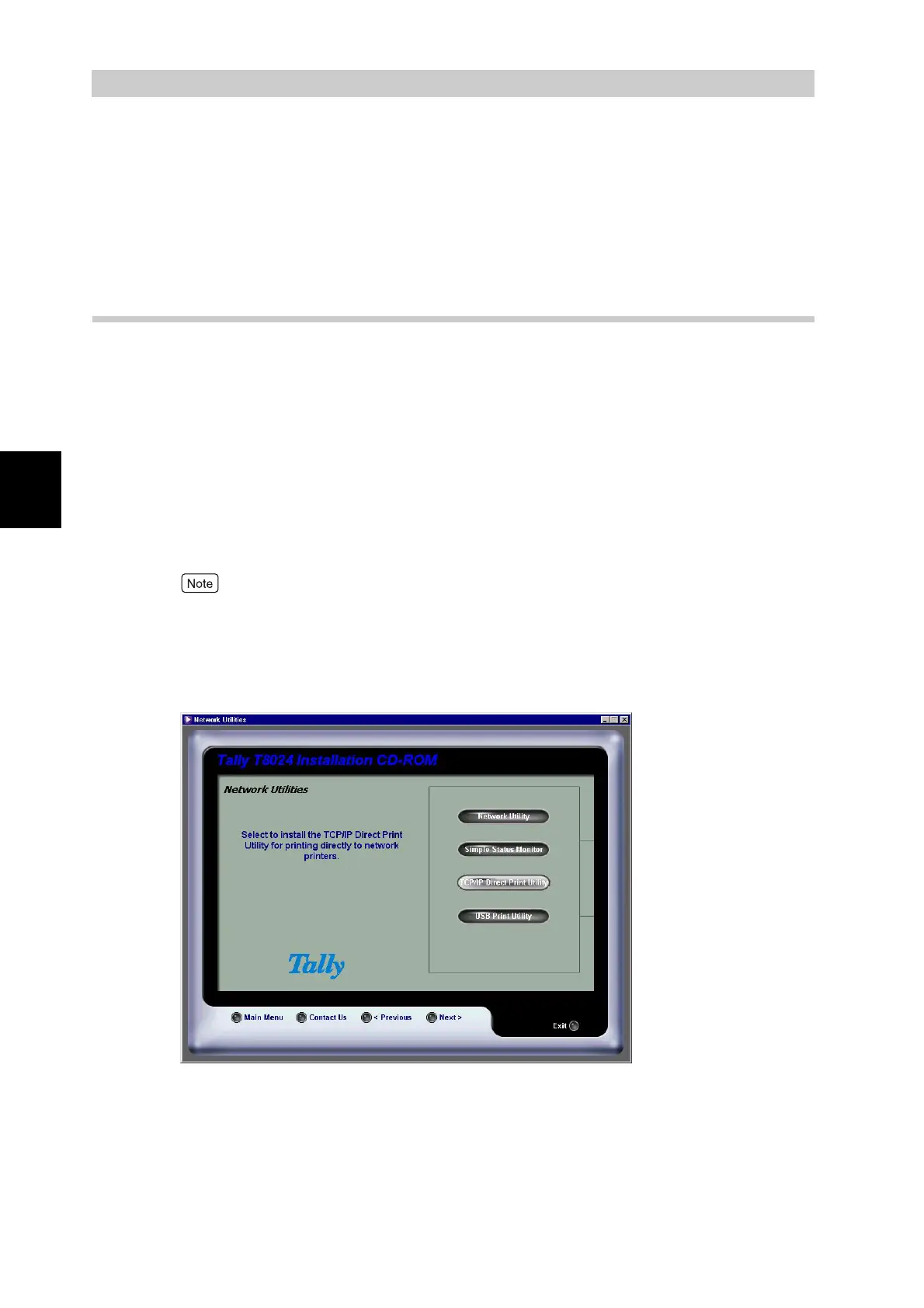
After accepting the license agreement, select Network utilities, and
then select TCP\IP Direct printing utility.



 To Next Page