2.3 Configuring the TCP/IP Direct Print Utility
33
Installing the Printer Driver
2
4
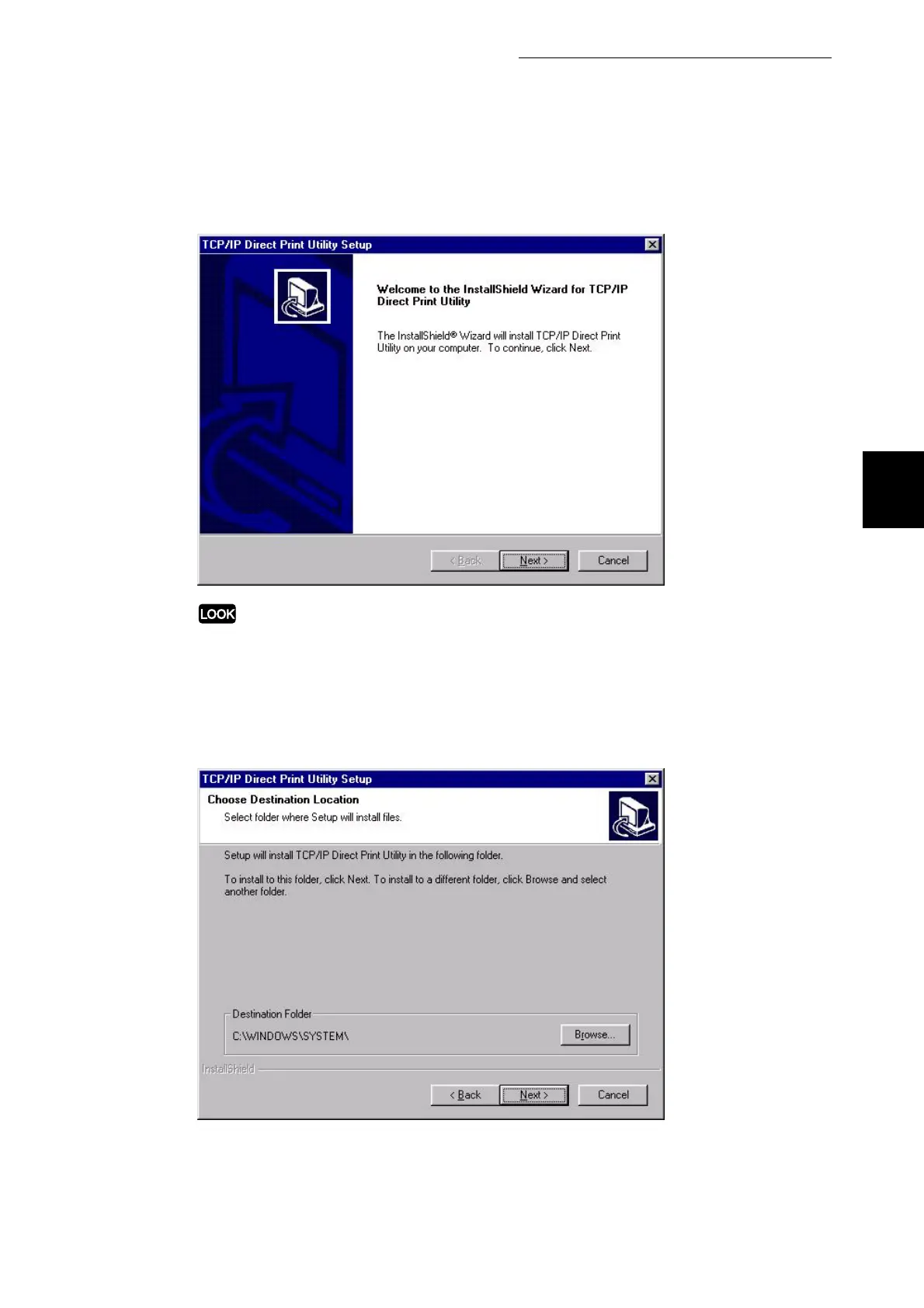
Select Next.
If you are prompted to install TCP/IP when Installing the TCP/IP Direct Print Utility, stop the
operation. Then after you have installed TCP/IP protocol onto your computer, restart the
installation again.
5
Check the path under Destination Folder, and click Next if it is all right.
The installation of the TCP/IP Direct Print Utility begins.



 To Next Page