8.4 Printing Reports and Lists
198
Daily Care
8
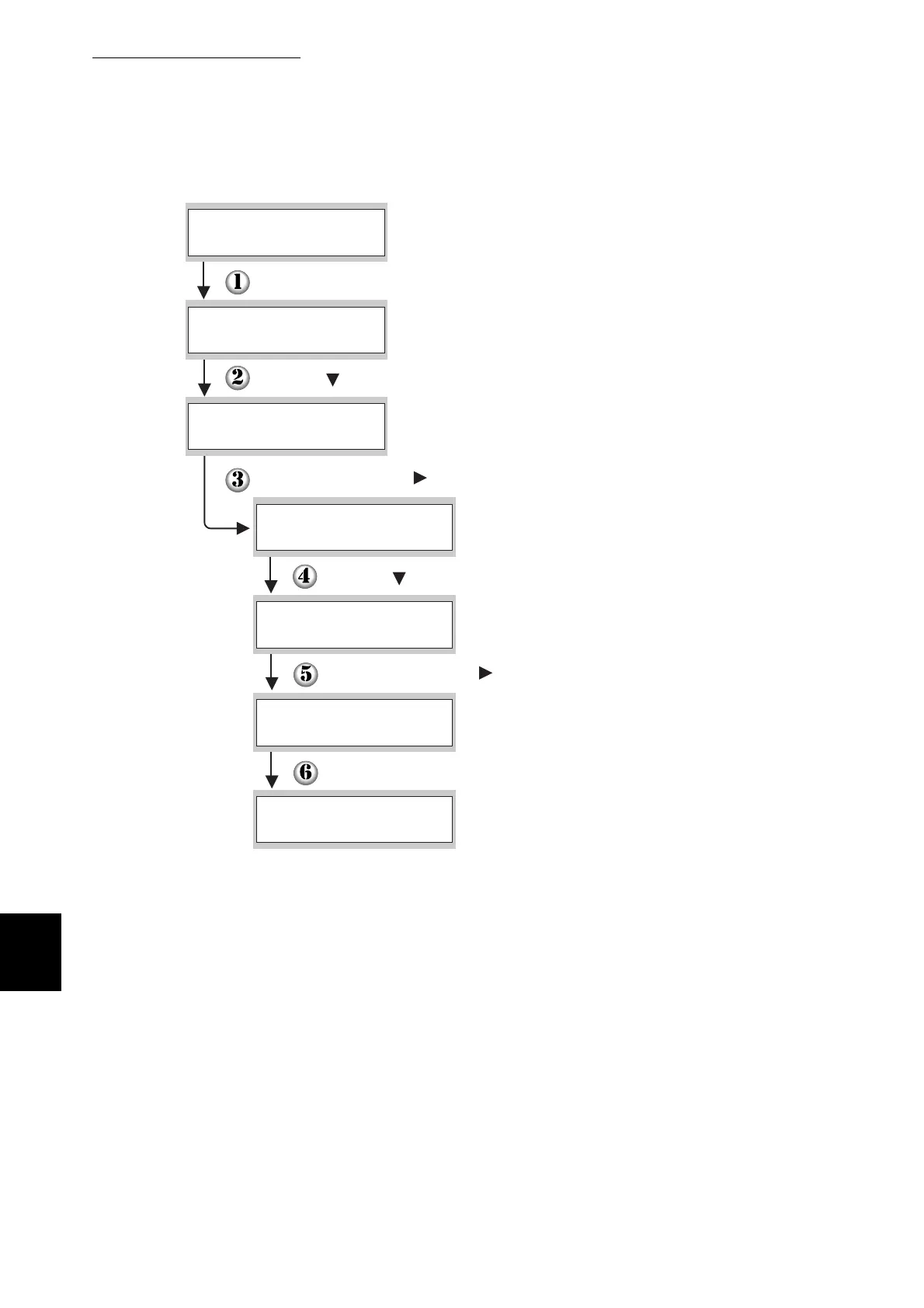
(The print screen. The printer is ready to print.)
Press the Menu button. The menu screen appears.
(The Menu screen)
Press the button three times.
Press the Set/Eject or button once.
Press the button three times.
When printing is finished, the print screen reappears.
Press the Set/Eject or button once.
Press the Set/Eject button once.
Ready to Print
1:System
Menu
4:Report/List
Menu
Printer Settings
4:Report/List
Log Print
4:Report/List
Printing
Log Print
Tray 1
Ready to Print
Log Print



 To Next Page