3.2 Printing From a Computer
69
3
Basic Printer Operation
2
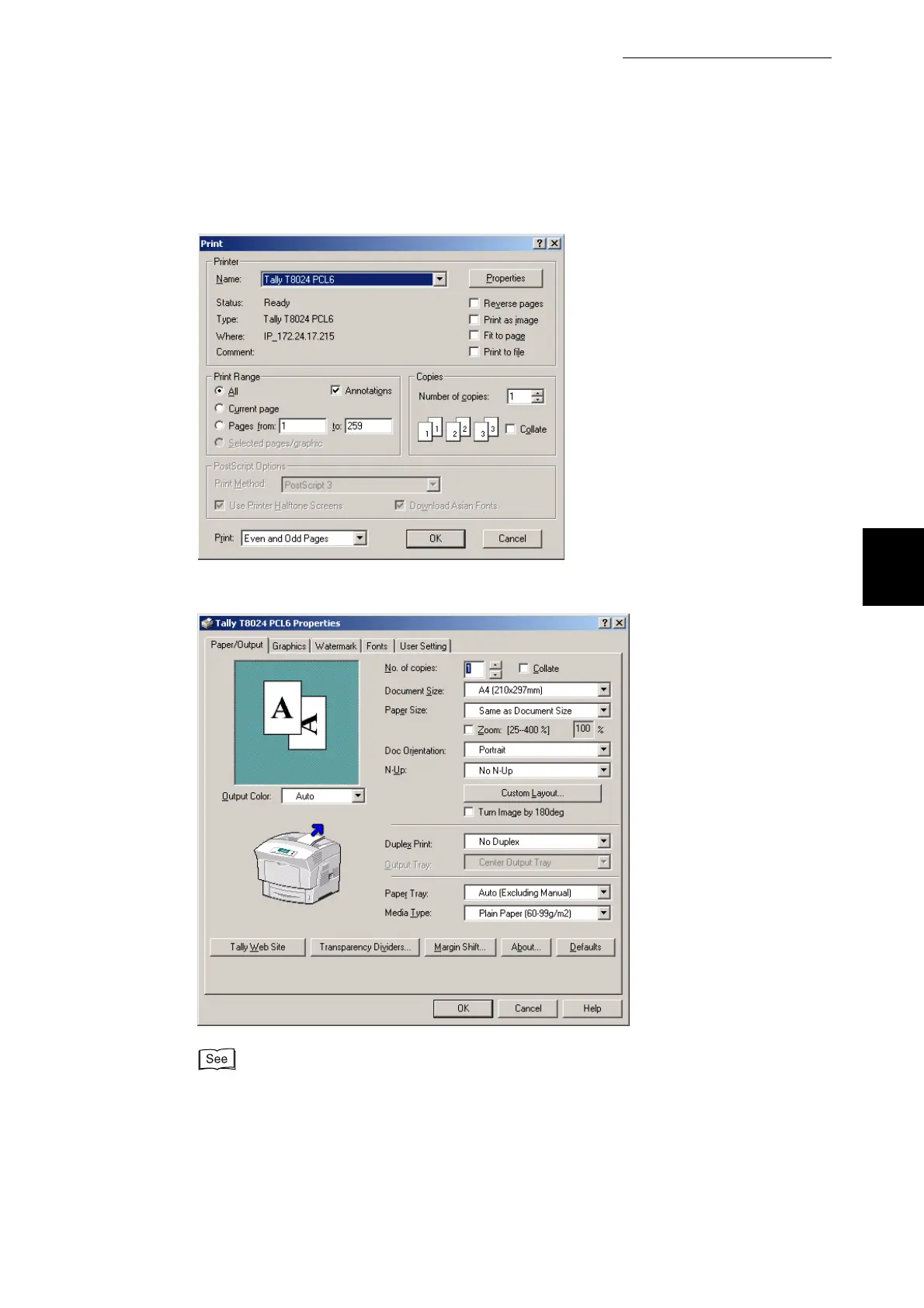
Select this printer in the Name box and click Properties.
3
On the various tabs, make settings for each item as required.
●
For details about the various tabs, refer to Help. For details about how to use Help, refer to
"3.3 Using Online Help".
●
Use the Graphics tab to adjust the image and colors to suit your needs.
4
When you finish making settings, click OK in the Properties dialog box.
The Properties dialog box closes.



 To Next Page