2.5 Setting Up the USB Port
53
Installing the Printer Driver
2
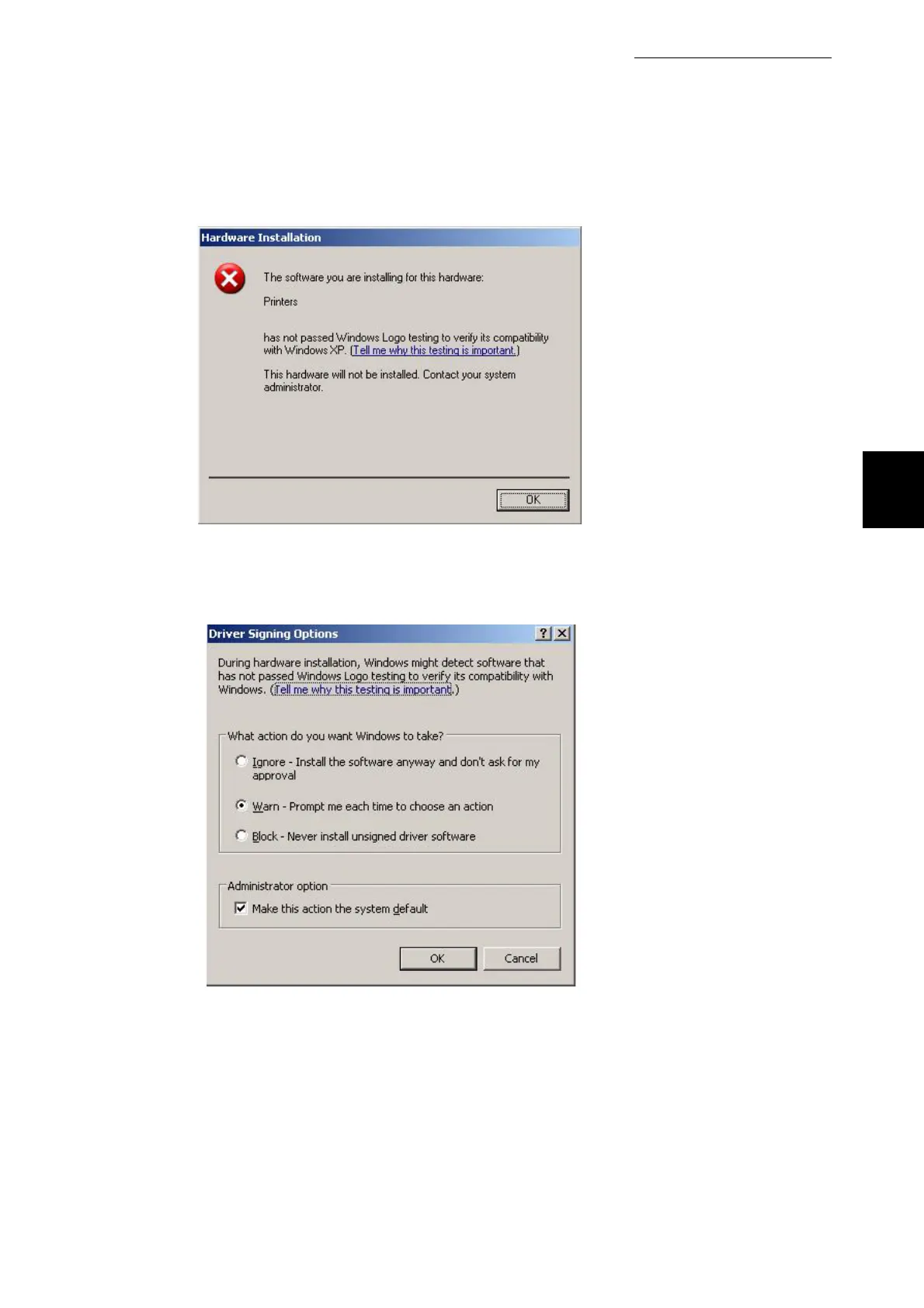
If the screen does not show the buttons to allow you to continue, as shown below.
Then cancel the installation and change the driver signing to warn . To do this check the
windows documentation. Go to control panel system hardware driver signing and select
warn. Restart the installation.



 To Next Page