3.7 Two-sided Printing
91
3
Basic Printer Operation
When printing on the back of specialty paper, make sure that you configure the
items below in the PCL6 printer driver when giving the print command from the
program.
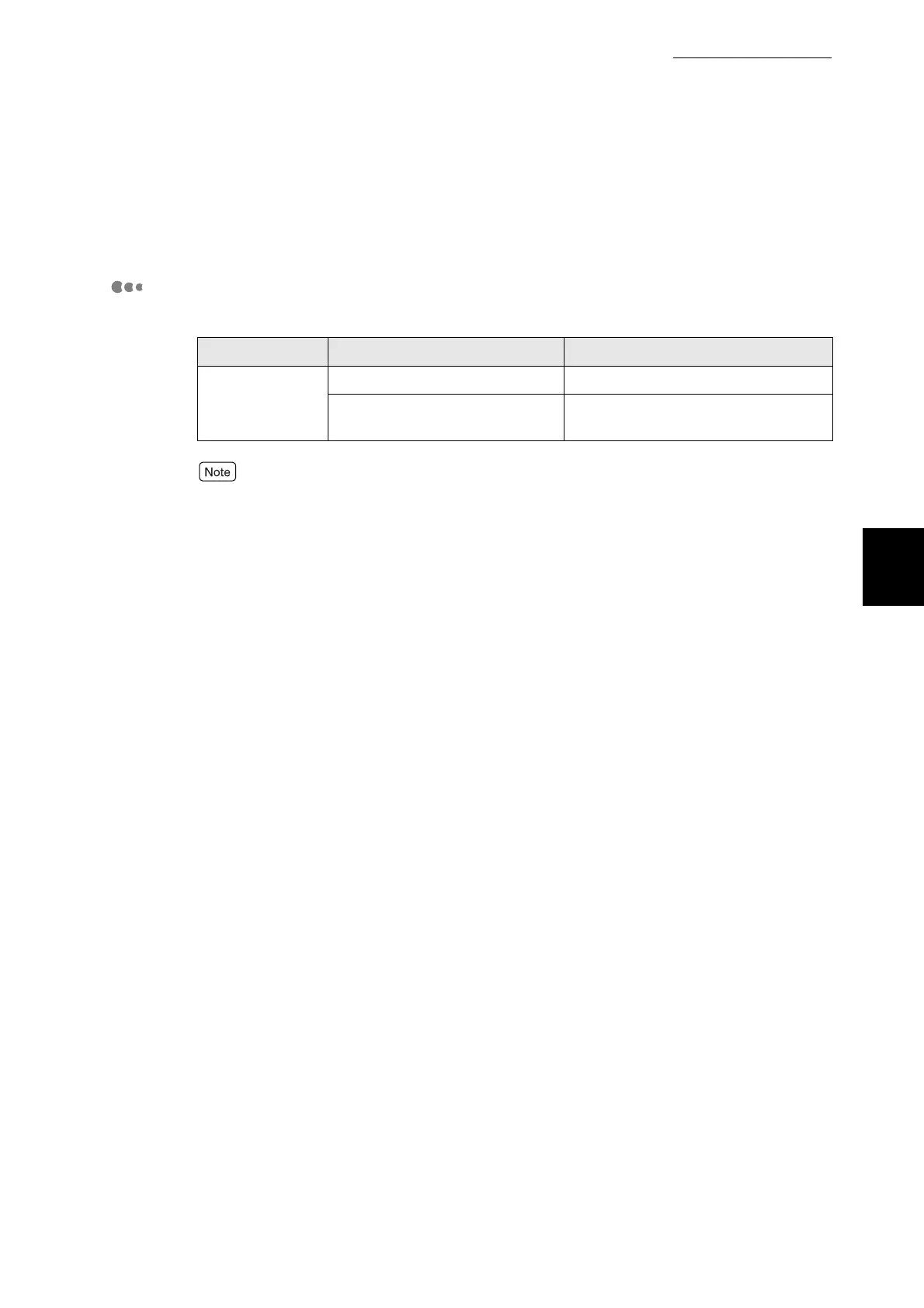
Printer Driver Settings (when printing on side 2 of a printed paper)
■Windows settings:
With custom sizes, it is necessary to configure other items to suit the paper size.
Refer to the previous section or the printer driver Help for details about these settings. For
details about how to use Help, refer to "3.3 Using Online Help".
Tab Item Value
Paper/Output Paper tray Manual
Media Type xxx (Side 2)
(xxx refers to the type of paper)



 To Next Page