4.2 Loading Paper
103
4
Loading Paper and Usable Paper Types
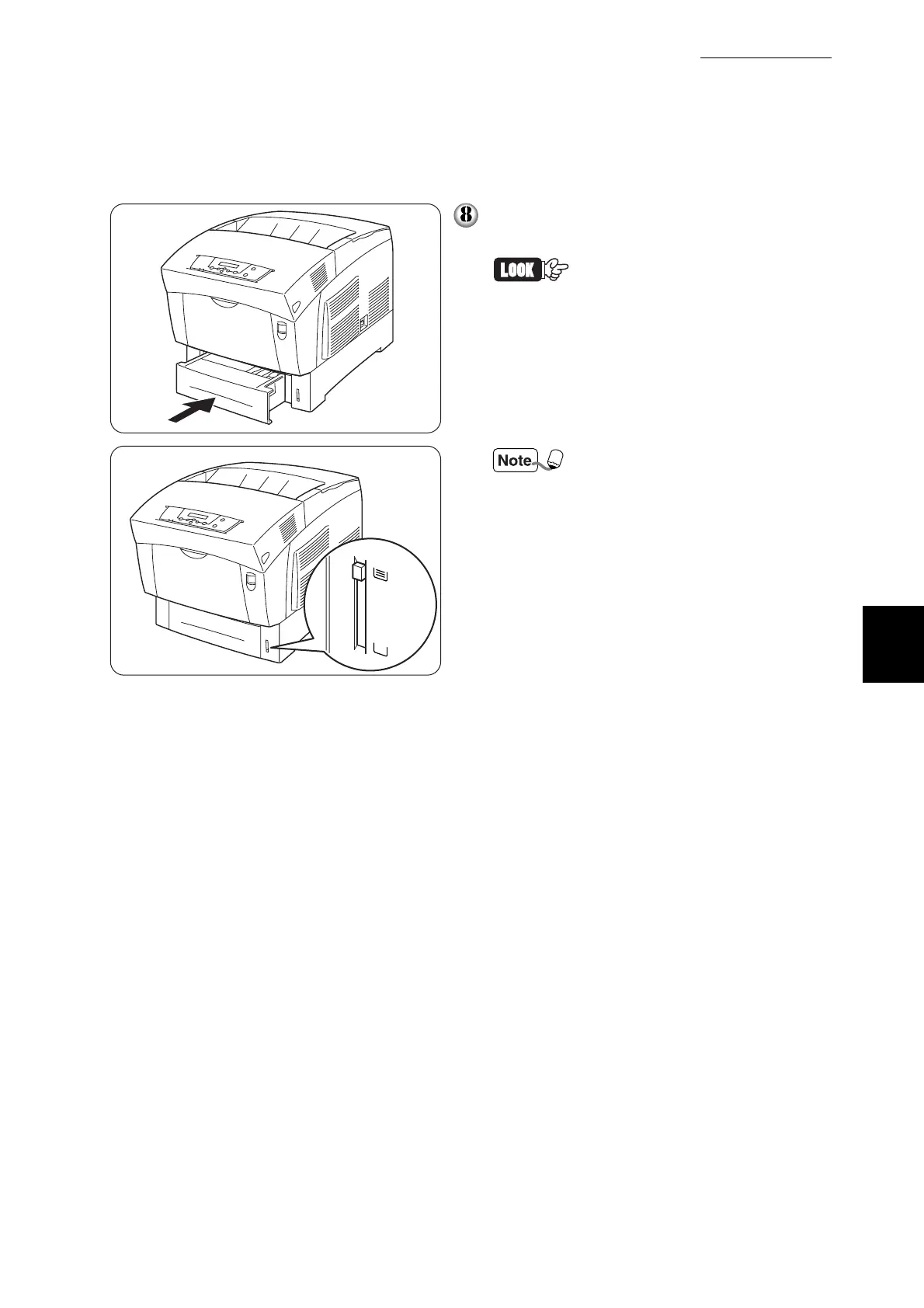
Push the paper tray completely back into
the printer.
Do use excessive force on the
paper tray. Doing so could
damage the paper tray or the
inside of the printer.
There is an indicator next to the
paper tray that tells you how
much paper remains in the tray.
Use this meter as a guide to
refill the paper tray.



 To Next Page